

Help and Support
Contact us for assistance or more details
Have you encountered any issues or have feedback to share about QA Sphere? We're here to help.
From Inside QA Sphere
The quickest route is the Help & Feedback page in the app. It has a built-in form for bug reports, feature requests, and questions, and you can attach files — a screenshot or a log usually saves a whole round trip of questions.
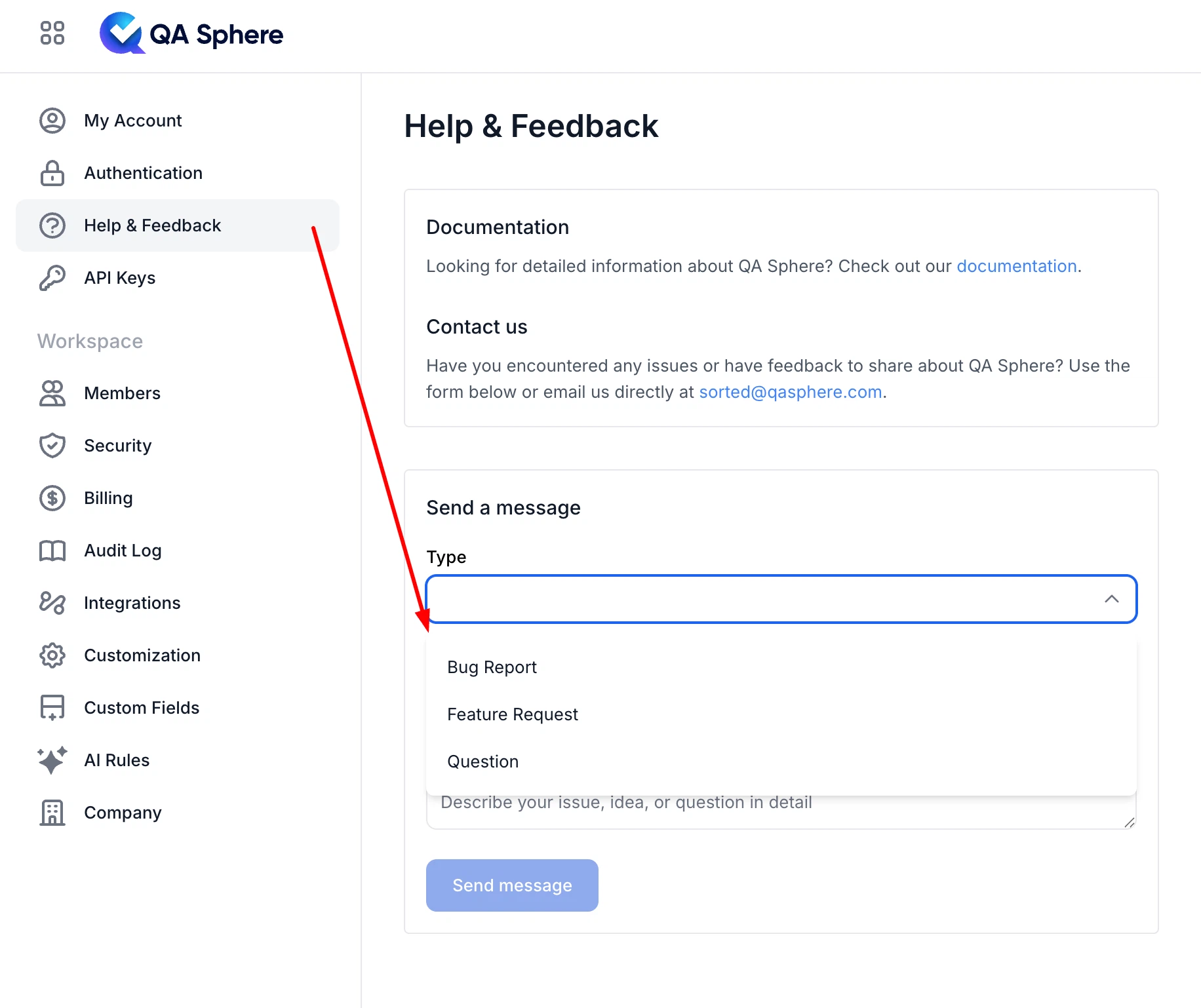
Submitting from inside the app is preferable to email because your workspace and account details come through with the request, so we do not have to ask which instance you are on.
By Email
You can also reach us directly at sorted@qasphere.com.
When reporting a problem, these details help us get to an answer faster:
- Your workspace URL (for example
acme.eu1.qasphere.com) - What you expected to happen, and what happened instead
- The time the problem occurred, and any error message shown
- A screenshot, if the problem is visible on screen
We aim to respond to all inquiries within 24-48 hours. Response times depend on your plan's support level — see Billing.
New to QA Sphere?
New workspaces show an onboarding widget on the main page with guided videos, useful links, and a contact form, which is the fastest way to get oriented. The Quick Start guide covers the same ground in writing.
Before You Write
Some questions have a faster answer than a support ticket:
- Something changed in the interface? Check the Release Notes — the feature may have moved or been renamed.
- API or CLI trouble? The API Overview covers authentication, rate limits, and error codes, and the CLI page covers installation and auth.
- Sign-in problems? Security covers sign-in methods and 2FA; SAML SSO has a troubleshooting table keyed by error message.
- Billing or plan questions? See Billing.
Your feedback is valuable to us and helps improve QA Sphere for everyone.
Thank you for using QA Sphere!