Localization and Internationalization Testing: A Practical Checklist in 2026

The Quick Answer
Two different problems hide behind one label. Internationalization (i18n) is the engineering work that makes a product capable of adapting to any locale. Localization (l10n) is the adaptation itself for one specific locale - translation, formats, conventions, legal requirements.
They fail differently and are tested differently. An i18n defect - a hard-coded string, a fixed-width button, a date parsed as US format - breaks every locale at once and is a code problem. An l10n defect - a mistranslation, a wrong currency symbol, a culturally inappropriate icon - breaks one locale and is a content or configuration problem.
The practical consequence: i18n testing can and should start before a single word is translated, using pseudo-localization. Waiting for translations to arrive before testing means finding architectural problems at the point where they are most expensive to fix.
This article covers what breaks when text expands, which formats catch teams out, what right-to-left support actually requires, why sorting and search are the most frequently missed area, how pseudo-localization works, and a checklist you can run against a release. For where this sits among other test types, see our guide to types of software testing.
Internationalization vs Localization
| Internationalization (i18n) | Localization (l10n) | |
|---|---|---|
| What it is | Making the product capable of adaptation | Adapting it for one locale |
| Owned by | Engineering | Content, translation, regional teams |
| Done | Once, in the architecture | Once per locale, repeatedly |
| Typical defect | Hard-coded string; fixed layout; locale-unaware date parsing | Mistranslation; wrong format; unsuitable imagery |
| Blast radius | All locales | One locale |
| Cost to fix late | High - structural | Low - content change |
| Can be tested before translation | Yes, with pseudo-localization | No |
The ordering follows from the last two rows. Find i18n defects first, cheaply, with generated pseudo-translations; then test each locale's content as it arrives. Teams that reverse this end up discovering that the layout cannot accommodate German while the German translation is already paid for and the launch date is fixed.
Text Expansion and Layout
Translated text is rarely the same length as the source, and the direction is usually longer. Interfaces designed against English strings break in predictable places.
Working expansion allowances against English source text:
| Source length | Allow for | Worst offenders |
|---|---|---|
| Up to 10 characters | Up to 200-300% | German, Finnish, Polish, Russian |
| 11-20 characters | Up to 180% | German, French, Spanish |
| 21-50 characters | Up to 160% | Romance and Slavic languages generally |
| 51-70 characters | Up to 140% | Most European languages |
| Over 70 characters | Around 130% | Most European languages |
| Any | Down to 50-60% | Chinese, Japanese, Korean - contraction, not expansion |
Short strings are the danger. A three-character English button label can triple; a paragraph rarely grows by more than a third. That is precisely inverted from where designers expect trouble, which is why navigation items, buttons, tabs and table headers are where expansion defects concentrate.
What to check: truncation with an ellipsis or a hard cut, text overflowing its container, wrapping that breaks alignment in a table or a card grid, buttons that grow and push other controls off-screen, tab bars that collapse, and fixed-height containers where the text is simply clipped. Check at the narrowest supported viewport, where the margin is smallest.
Two structural defects worth looking for specifically. The first is concatenation: strings assembled from fragments - "You have " + n + " new " + itemType - cannot be translated correctly because word order and grammatical agreement differ by language. Complete sentences with placeholders are the only workable form. The second is pluralization handled with an if-statement: English has two plural forms, Russian and Polish have four categories, Arabic has six, and Japanese has one. Any language-aware pluralization must go through a proper plural-rules mechanism, and each locale's rules need testing with values that hit every category - typically 0, 1, 2, 5, 11, 21 and 101.
Formats: Dates, Numbers, Currency and Addresses
Format defects are the ones that survive to production most often, because the text looks correct and only the meaning is wrong.
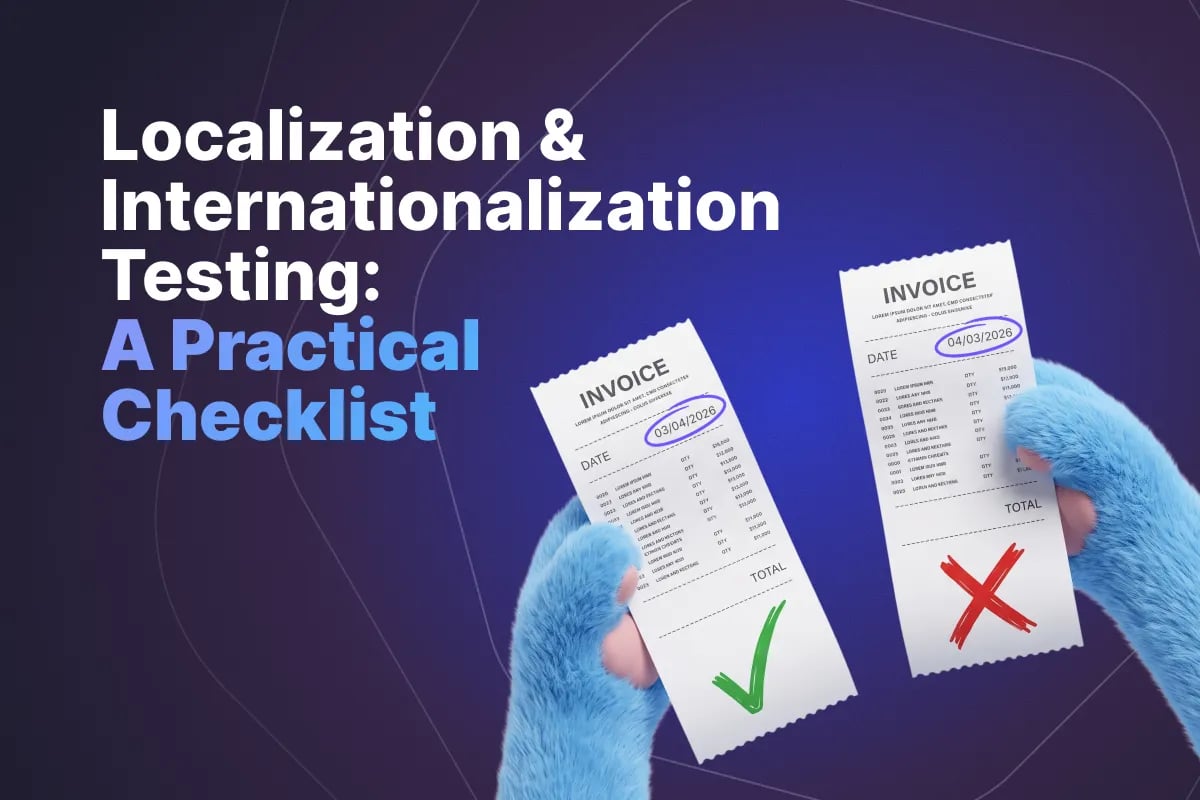
Dates. 03/04/2026 is 3 April in most of the world and 4 March in the United States. The failure is silent - no error, no visual clue, just a wrong date on an invoice or a booking. Test with a day above 12 so the ambiguity resolves, check first-day-of-week in calendars (Sunday, Monday or Saturday depending on locale), and cover non-Gregorian calendars where you support markets that use them. Time zones, DST transitions and the 12/24-hour clock belong in the same pass.
Numbers. The decimal separator is a comma in much of Europe and a point in English-speaking markets; thousands separators vary between comma, point, space and apostrophe; Indian numbering groups digits as 12,34,567 rather than 1,234,567. The high-risk area is input rather than display: a form that accepts "1.234,56" and stores 1.234 is a data corruption defect that looks like a formatting one.
Currency. Symbol position and spacing vary (€1.234,56 versus 1 234,56 €), and so does the number of decimal places - the Japanese yen has none, several Middle Eastern currencies have three. Rounding a three-decimal currency to two loses money. If prices are converted rather than set per market, test the conversion, the rounding rule and the display of the original alongside it.
Names, addresses and phone numbers. The assumptions built into most forms fail somewhere: that everyone has a first and last name in that order, that a postcode is required and numeric, that a state or province field applies, that a phone number has a fixed length. Test with real addresses from every market you serve - the failure here is usually a validation rule that rejects a legitimate customer, which is invisible to you and terminal for them.
Right-to-Left and Bidirectional Text
Supporting Arabic, Hebrew, Farsi or Urdu is not a translation task with a stylesheet flag. The entire interface mirrors, and the parts that do not mirror have to be identified deliberately.
What mirrors: text alignment, reading order, layout direction, navigation position, icons implying direction (back, forward, next, indent), progress bars and sliders, table column order, and the visual sequence of a form.
What does not mirror: numbers, which remain left-to-right within RTL text; clocks; media playback controls, which follow the physical metaphor rather than the reading direction; and logos and trademarks.
Bidirectional text is the hard part. A sentence in Arabic containing an English product name, a URL and a number contains runs in both directions, and the rendering rules for where each run begins and ends are subtle. The characteristic defect is punctuation landing on the wrong side of a mixed-direction string - a full stop at the start of a line, or brackets that open and close in the wrong order.
What to check: the full interface mirrored, not just the text; mixed-direction strings including numbers, Latin names, URLs and email addresses; punctuation placement in mixed strings; text input including cursor movement, selection and deletion behavior; and any place where text is composed dynamically from user data. Native speakers are required here - a non-speaker can see that the layout mirrored, but not that a sentence reads incorrectly.
Sorting, Searching and Collation
This is the most consistently missed area, because it is invisible in a screenshot and requires knowing the target language to evaluate.
Alphabetical order is language-specific, not character-code order. In Swedish, å, ä and ö sort after z; in German, ä, ö and ü sort with a, o and u. In Spanish, ñ is a distinct letter after n. Sorting by byte value produces output that looks plausible to a non-speaker and is obviously wrong to a native user, and it is what you get by default in most languages unless a locale-aware collator is used explicitly.
Search needs to be accent- and case-insensitive in the right way. A user searching for "Muller" should find "Müller"; a user searching for "resume" should find "résumé". At the same time, some languages have characters that must not be folded together. Test the folding behavior per locale rather than applying one rule globally.
Case conversion has locale-specific rules. The best-known example is Turkish, where the uppercase of "i" is "İ" and the lowercase of "I" is "ı". Case-insensitive comparison implemented with a locale-unaware uppercase call breaks logins and lookups for Turkish users specifically - a defect that is difficult to reproduce unless you know to try.
Also worth checking: languages without spaces between words, where truncation and line breaking need different logic; grapheme clusters, where an emoji or a combining character sequence is multiple code points but one visible character, so naive length limits and truncation cut it in half; and normalization, where the same visible string has two different byte representations and comparisons fail unless both are normalized.
Pseudo-Localization: Testing Before Translation Arrives
Pseudo-localization replaces every translatable string with a generated version that keeps it readable in English while exercising everything i18n has to handle. It is the highest-value technique in this article because it works from the first sprint, needs no translators, and can run in CI.
A typical transformation turns Save changes into [!!! Šàŭé çĥàñĝéš ~~~~~~~~ !!!]. Each element tests something specific:
- Accented characters - proves the encoding, fonts and rendering pipeline handle non-ASCII
- Padding to 130-200% - reveals every layout that cannot accommodate expansion
- Bracket delimiters - makes truncation visible: a missing closing bracket means the string was cut
- The whole string still readable - anyone on the team can use the product and spot problems
- Anything appearing untransformed - is a hard-coded string that never went through the translation layer
That last point is the single most useful output. Hard-coded strings are the most common i18n defect and the hardest to find by inspection; with pseudo-localization enabled, they announce themselves as the only plain English on the screen.
Run it as a build variant available to everyone, include it in automated visual checks so overflow and truncation are caught without a human looking, and add an RTL pseudo-locale to catch mirroring problems before the first RTL translation is commissioned.
Translation Quality and Context
Once real translations arrive, the failure mode changes: the software is correct and the words are wrong.
Most translation defects trace to a single cause - the translator could not see where the string appears. "Open" as a verb on a button and "open" as a status label are different words in most languages, and a translator working from a spreadsheet of strings cannot tell which is which. The fixes are process-level: supply context notes and screenshots with the strings, and give translators access to the running product in their locale before release.
What to review with a native speaker: terminology consistency across the interface, tone appropriate to the market, meaning in context rather than in isolation, product and feature names that should not have been translated at all, and error messages, which are frequently translated last and worst despite being read at the worst moment.
Two categories deserve separate attention because they are usually outside the main translation flow: strings that live in code, configuration or the database rather than in resource files, and content generated by other systems - emails, notifications, PDFs, exports, SMS. The second group is the most common source of untranslated text reaching customers, because it is often built by a different team on a different pipeline.
Machine translation raises the stakes on review rather than removing the need for it. It is fluent, which means its errors are confident and read as intentional. For anything legal, financial, medical or safety-related, review by a qualified human is not optional.
Beyond Text: Legal, Cultural and Regional Behavior
Localization that stops at language produces a product that is comprehensible and still wrong for the market.
- Legal and regulatory - consent and cookie requirements, data residency, invoicing and tax rules, mandatory disclosures, and accessibility obligations that differ by jurisdiction (see accessibility testing)
- Payment methods - the dominant method varies sharply by market, and a checkout offering only cards will underperform where it is not the norm
- Imagery and iconography - hand gestures, animals, colors and photographic conventions carry different meanings; a tick and a cross are not universal
- Personal data conventions - honorifics, name order, gendered forms of address, and the question of whether asking for a title is acceptable at all
- Calendars and holidays - working days, weekend days (Friday-Saturday in several markets), and public holidays affecting delivery estimates and support hours
- Units and paper sizes - metric versus imperial, A4 versus Letter for anything printable
- Support and contact details - phone numbers, hours in local time, and addresses that are actually reachable from that market
These are rarely findable by a tester who does not live in the market. Budget for review by someone who does, and treat their findings as defects rather than as preferences.
A Localization Testing Checklist
Internationalization - test with pseudo-localization, before translation
- No hard-coded strings anywhere in the interface, including errors, tooltips, alt text and validation messages
- No strings assembled by concatenation
- Pluralization goes through locale plural rules; tested at 0, 1, 2, 5, 11, 21, 101
- No truncation or overflow at 200% expansion, at the narrowest supported viewport
- Full Unicode support end to end - input, storage, retrieval, display, export
- Locale-aware date, time, number and currency formatting and parsing
- Locale-aware sorting, case conversion and search folding
- Layout mirrors correctly under an RTL pseudo-locale
- Locale switching takes effect without a restart and persists
- Fallback behavior is defined for a missing translation and never shows a raw key
Per locale - test with real translations
- Every screen reviewed by a native speaker in context
- Terminology consistent; product names correctly left untranslated
- Dates, numbers, currency and addresses match local convention
- Sorting matches the language's alphabet
- Emails, notifications, PDFs, exports and SMS localized
- Payment methods, tax and invoicing correct for the market
- Legal, consent and privacy content correct for the jurisdiction
- Imagery, icons and colors reviewed for the market
- Fonts render all required characters, including under bold and italic
- RTL locales: mirroring, bidirectional strings, punctuation, text input
- Search works with and without accents and diacritics
Conclusion
The single decision that determines how much localization costs is when you test the internationalization. Hard-coded strings, concatenated sentences, fixed-width layouts and locale-unaware sorting are architectural defects, and pseudo-localization exposes all of them before a translator is engaged - in a build variant any developer can run, on any day of the project.
Once translations arrive, the work shifts from engineering to judgment. Native speakers reviewing strings in context, in the running product, find the errors that a spreadsheet review cannot: the verb translated as a noun, the tone that reads as rude, the error message that no longer means anything. And localization that covers only the interface leaves the parts customers notice most - emails, invoices, payment methods, legal text - in the wrong language or the wrong shape entirely.
Because this multiplies - every screen, in every locale, every release - it needs structure rather than a fresh spreadsheet per market. QA Sphere lets you keep one set of localization test cases and execute it as a separate test run per locale, with reporting that shows at a glance which markets are ready and which are not. See pricing or book a demo.

Written by
QA Sphere TeamThe QA Sphere team shares insights on software testing, quality assurance best practices, and test management strategies drawn from years of industry experience.