
The Complete Guide to Test Case Management in 2026

The Spreadsheet Problem: Why Teams Outgrow Excel
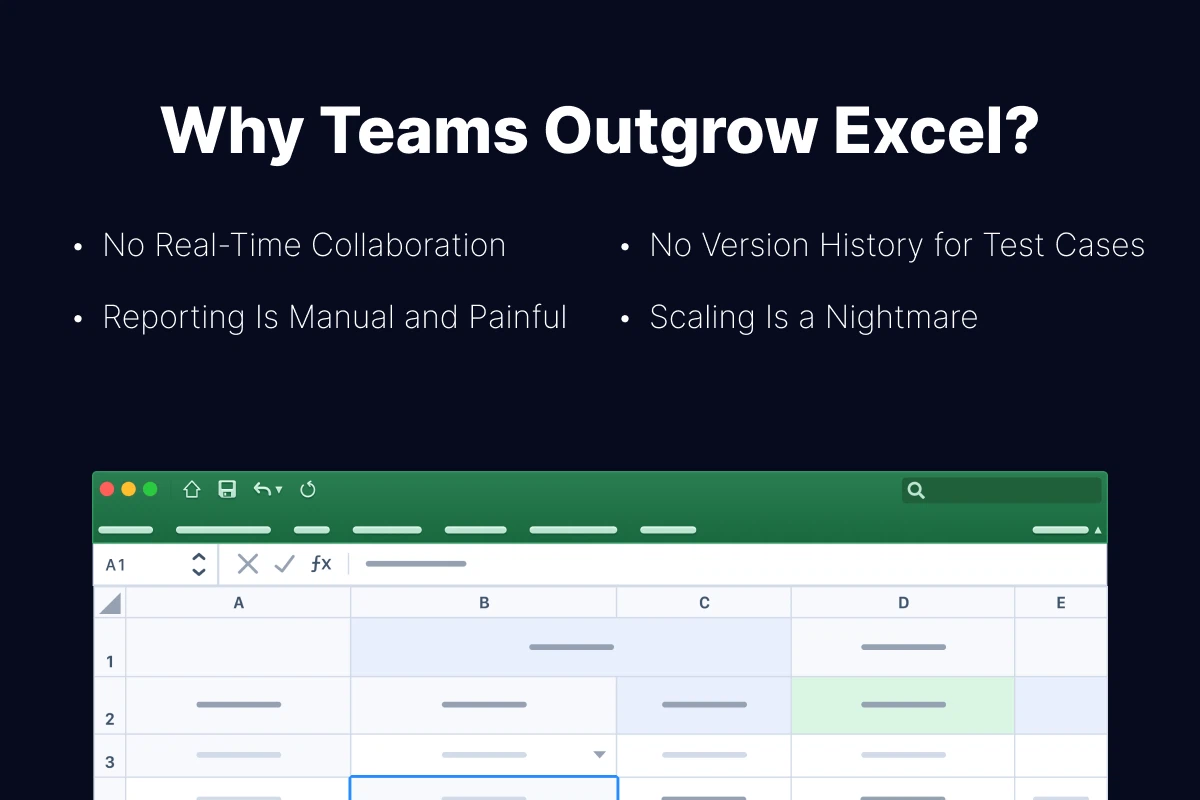
Most QA teams start with spreadsheets. And for a solo tester managing a handful of features, Excel or Google Sheets works fine. But spreadsheets weren't designed for test management, and the cracks start showing quickly:
No Real-Time Collaboration
Even with shared Google Sheets, you can't track who is executing which test in real time. There's no concept of a test "run" - just cells being updated manually. Two testers can unknowingly duplicate the same work.
No Version History for Test Cases
When a feature changes, test cases need to be updated. In a spreadsheet, there's no way to see how a test case evolved over time, who changed it, or why. This makes it impossible to audit your test library.
Reporting Is Manual and Painful
Generating a test report from a spreadsheet means building pivot tables, counting cells, and formatting charts - every single time. With a dedicated tool, reports are generated in one click.
Scaling Is a Nightmare
A spreadsheet with 50 test cases is manageable. A spreadsheet with 5,000 test cases is a liability. Search becomes slow, organization breaks down, and onboarding new team members takes days instead of hours.
| Criteria | Spreadsheets | Dedicated Tool |
|---|---|---|
| Setup time | Minutes | 1–2 hours |
| Collaboration | Basic (shared editing) | Role-based access, real-time runs |
| Test execution tracking | Manual cell updates | Built-in run management |
| Reporting | Manual pivot tables | One-click dashboards |
| Scalability | Breaks at 500+ cases | Handles 100,000+ cases |
| Integrations (Jira, CI/CD) | None or hacky | Native bi-directional sync |
| Audit trail | Limited | Full version history |
| Cost | Free | $0–30/user/month |
The rule of thumb: if your team has more than 3 testers or more than 200 test cases, it's time to move beyond spreadsheets. Tools like QA Sphere are designed specifically for this transition - with CSV import, a clean interface, and free viewer seats for developers who only need read access. The productivity gains pay for the tool within the first month.
How to Build a Test Case Management Process

A tool alone won't fix a broken process. Here's a step-by-step framework for building a test case management process that scales:
Step 1: Define Your Test Case Structure
Before writing a single test case, agree on a standard format. Define required fields (title, steps, expected result, priority) and optional fields (labels, attachments, automation status). Consistency makes your test library searchable and maintainable.
Step 2: Organize by Feature, Not by Sprint
Many teams make the mistake of organizing test cases by sprint or release. This creates duplication and makes regression testing difficult. Instead, organize test cases by feature area or module. Use folders or sections like "Authentication," "Payments," "User Settings," etc.
Step 3: Establish Ownership and Review
Every test case should have an owner - the person responsible for keeping it up to date. Implement a review process: when a feature changes, the related test cases must be reviewed and updated before the next test run.
Step 4: Build Test Runs, Not Just Test Cases
Test cases are your library. Test runs are what you actually execute. For each release, assemble a test run by selecting relevant test cases based on what changed, what's high-risk, and what's required for regression. In QA Sphere's test run builder, you can filter by tags, priority, or module and launch a run in seconds. This approach is far more efficient than running all tests every time.
Step 5: Track Metrics and Improve
Measure what matters: test execution time, pass/fail rates, defect escape rate, and test coverage. QA Sphere's reporting dashboards generate these metrics automatically after each test run, so you can identify gaps in your test library and continuously improve your process.
Framework summary: Structure → Organize → Own → Execute → Measure. Repeat every sprint.
Choosing the Right Test Case Management Tool
When your team is ready to move beyond spreadsheets, choosing the right tool becomes critical. Here are the five key factors to evaluate:
- Team size and pricing model. Some tools charge per user, others per active tester. For teams with developers who only need read access, look for tools that offer free viewer seats to avoid inflating costs.
- Integrations. Your test management tool should connect with your issue tracker (Jira, Linear, GitHub Issues) and your CI/CD pipeline. Bi-directional sync means defects flow automatically between systems.
- Ease of use. The best tool is the one your team actually uses. If it takes a week to learn, adoption will be low. Prioritize tools that feel intuitive from day one.
- Migration support. If you're coming from spreadsheets or another tool, check whether the new platform supports CSV import, API-based migration, or has a dedicated migration team to help.
- AI capabilities. In 2026, AI-powered test case generation is no longer a novelty - it's a productivity multiplier. Look for tools that can generate test cases from feature descriptions, suggest edge cases, and speed up test authoring.
For a detailed comparison of the top options, see our guide to choosing a test management system.

Written by
QA Sphere TeamThe QA Sphere team shares insights on software testing, quality assurance best practices, and test management strategies drawn from years of industry experience.