
The Complete Guide to Test Case Management in 2026

What Is Test Case Management?
Test case management is the process of organizing, tracking, and maintaining test cases throughout the software development lifecycle. It encompasses everything from writing and storing test cases to executing test runs, tracking results, and generating reports that inform release decisions.
At its core, test case management answers three fundamental questions for QA teams:
- What do we need to test? - a structured library of test cases mapped to features and requirements.
- What have we tested? - execution history with pass/fail statuses, assigned testers, and timestamps.
- What is the current quality status? - real-time dashboards and reports that show coverage, defects, and risk areas.
Without a clear system for managing test cases, QA teams inevitably face duplicated effort, missing coverage, and poor visibility into quality - problems that compound as the team and product grow.
Why Test Case Management Matters in 2026
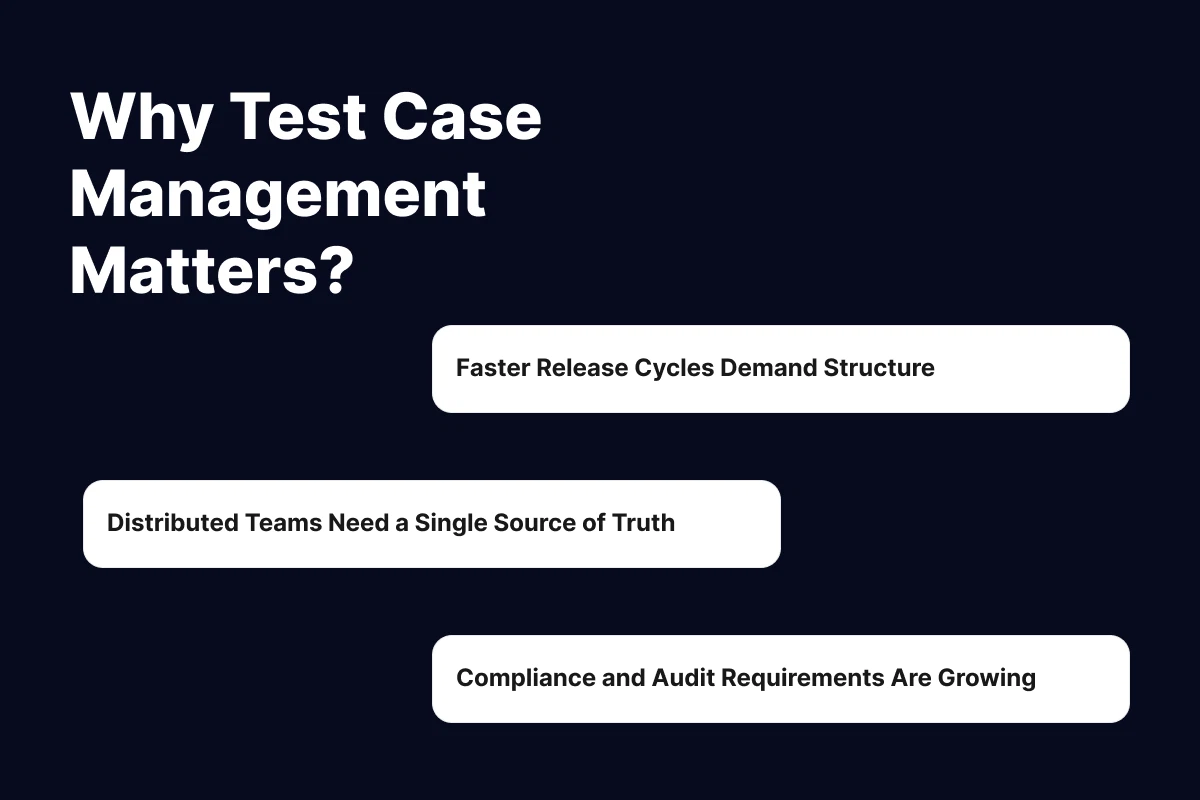
The role of QA has evolved dramatically. Shorter release cycles, distributed teams, and increasing product complexity mean that ad hoc testing approaches no longer work. Here's why structured test case management is more critical than ever:
Faster Release Cycles Demand Structure
Teams shipping weekly or even daily need to know exactly which tests to run for each release. A well-organized test library lets you quickly assemble regression suites and prioritize tests based on risk, saving hours of planning time per sprint.
Distributed Teams Need a Single Source of Truth
When QA engineers work across time zones, scattered test documentation creates confusion. A centralized test case repository ensures everyone is working from the same playbook - no more "I thought you tested that" conversations.
Compliance and Audit Requirements Are Growing
Industries like fintech, healthcare, and SaaS increasingly require evidence that software has been properly tested. Test case management provides the traceability and audit trail that compliance teams demand.
Key Components of a Well-Structured Test Case
Before you can manage test cases effectively, you need to make sure each test case is well-structured. A strong test case is clear enough that any team member can execute it and get a consistent result. Here are the essential components:
| Component | Description | Example |
|---|---|---|
| Title | A concise, descriptive name | Verify user can log in with valid credentials |
| Preconditions | What must be true before the test starts | User account exists and is active |
| Steps | Sequential actions the tester performs | 1. Open login page 2. Enter email 3. Enter password 4. Click "Sign In" |
| Expected Result | The outcome if the feature works correctly | User is redirected to the dashboard |
| Priority | How important this test is for releases | Critical / High / Medium / Low |
| Labels / Tags | Categorization for filtering and organizing | authentication, smoke, regression |
| Attachments | Screenshots, files, or references | Screenshot of expected dashboard state |
Pro tip: If your test case has more than 15 steps, it's probably 2–3 test cases in disguise. Break it up. Shorter test cases are easier to maintain, faster to execute, and produce more granular results.
For a deeper dive with ready-to-use formats, check out our free test case template.
The Spreadsheet Problem: Why Teams Outgrow Excel
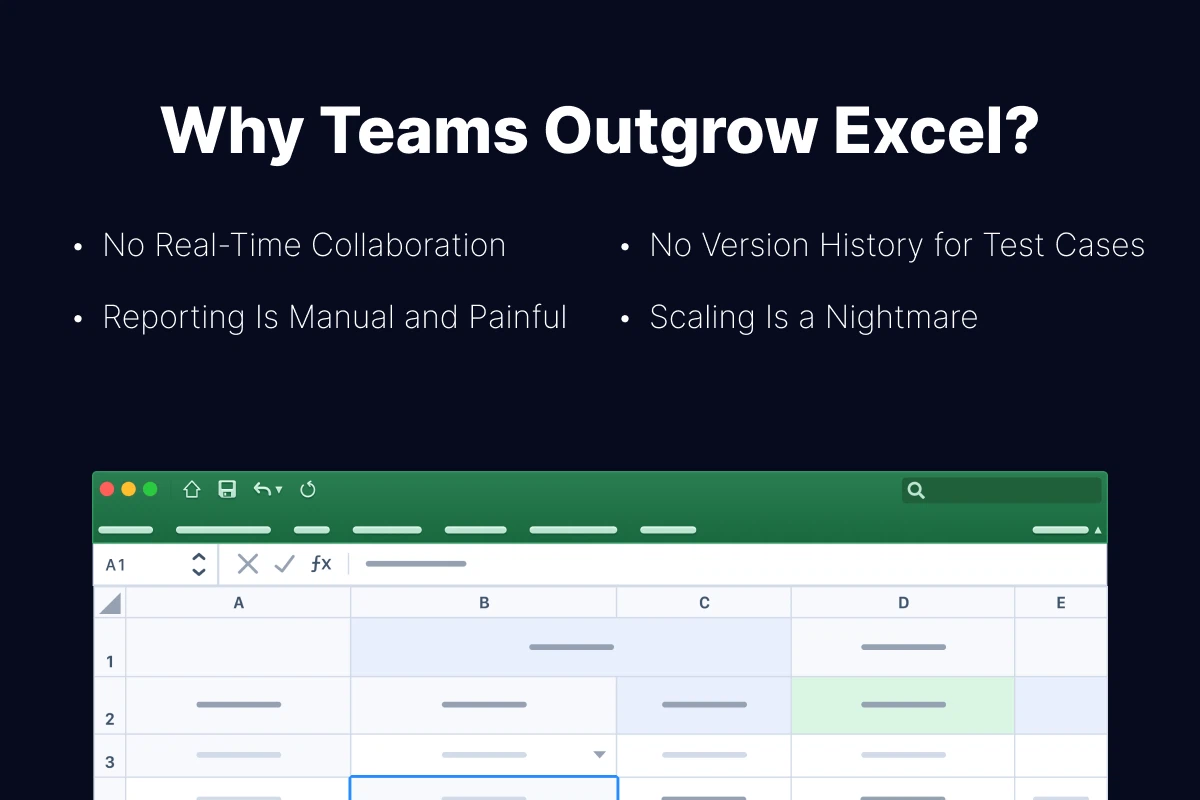
Most QA teams start with spreadsheets. And for a solo tester managing a handful of features, Excel or Google Sheets works fine. But spreadsheets weren't designed for test management, and the cracks start showing quickly:
No Real-Time Collaboration
Even with shared Google Sheets, you can't track who is executing which test in real time. There's no concept of a test "run" - just cells being updated manually. Two testers can unknowingly duplicate the same work.
No Version History for Test Cases
When a feature changes, test cases need to be updated. In a spreadsheet, there's no way to see how a test case evolved over time, who changed it, or why. This makes it impossible to audit your test library.
Reporting Is Manual and Painful
Generating a test report from a spreadsheet means building pivot tables, counting cells, and formatting charts - every single time. With a dedicated tool, reports are generated in one click.
Scaling Is a Nightmare
A spreadsheet with 50 test cases is manageable. A spreadsheet with 5,000 test cases is a liability. Search becomes slow, organization breaks down, and onboarding new team members takes days instead of hours.
| Criteria | Spreadsheets | Dedicated Tool |
|---|---|---|
| Setup time | Minutes | 1–2 hours |
| Collaboration | Basic (shared editing) | Role-based access, real-time runs |
| Test execution tracking | Manual cell updates | Built-in run management |
| Reporting | Manual pivot tables | One-click dashboards |
| Scalability | Breaks at 500+ cases | Handles 100,000+ cases |
| Integrations (Jira, CI/CD) | None or hacky | Native bi-directional sync |
| Audit trail | Limited | Full version history |
| Cost | Free | $0–30/user/month |
The rule of thumb: if your team has more than 3 testers or more than 200 test cases, it's time to move beyond spreadsheets. Tools like QA Sphere are designed specifically for this transition - with CSV import, a clean interface, and free viewer seats for developers who only need read access. The productivity gains pay for the tool within the first month.
How to Build a Test Case Management Process

A tool alone won't fix a broken process. Here's a step-by-step framework for building a test case management process that scales:
Step 1: Define Your Test Case Structure
Before writing a single test case, agree on a standard format. Define required fields (title, steps, expected result, priority) and optional fields (labels, attachments, automation status). Consistency makes your test library searchable and maintainable.
Step 2: Organize by Feature, Not by Sprint
Many teams make the mistake of organizing test cases by sprint or release. This creates duplication and makes regression testing difficult. Instead, organize test cases by feature area or module. Use folders or sections like "Authentication," "Payments," "User Settings," etc.
Step 3: Establish Ownership and Review
Every test case should have an owner - the person responsible for keeping it up to date. Implement a review process: when a feature changes, the related test cases must be reviewed and updated before the next test run.
Step 4: Build Test Runs, Not Just Test Cases
Test cases are your library. Test runs are what you actually execute. For each release, assemble a test run by selecting relevant test cases based on what changed, what's high-risk, and what's required for regression. In QA Sphere's test run builder, you can filter by tags, priority, or module and launch a run in seconds. This approach is far more efficient than running all tests every time.
Step 5: Track Metrics and Improve
Measure what matters: test execution time, pass/fail rates, defect escape rate, and test coverage. QA Sphere's reporting dashboards generate these metrics automatically after each test run, so you can identify gaps in your test library and continuously improve your process.
Framework summary: Structure → Organize → Own → Execute → Measure. Repeat every sprint.
Choosing the Right Test Case Management Tool
When your team is ready to move beyond spreadsheets, choosing the right tool becomes critical. Here are the five key factors to evaluate:
- Team size and pricing model. Some tools charge per user, others per active tester. For teams with developers who only need read access, look for tools that offer free viewer seats to avoid inflating costs.
- Integrations. Your test management tool should connect with your issue tracker (Jira, Linear, GitHub Issues) and your CI/CD pipeline. Bi-directional sync means defects flow automatically between systems.
- Ease of use. The best tool is the one your team actually uses. If it takes a week to learn, adoption will be low. Prioritize tools that feel intuitive from day one.
- Migration support. If you're coming from spreadsheets or another tool, check whether the new platform supports CSV import, API-based migration, or has a dedicated migration team to help.
- AI capabilities. In 2026, AI-powered test case generation is no longer a novelty - it's a productivity multiplier. Look for tools that can generate test cases from feature descriptions, suggest edge cases, and speed up test authoring.
For a detailed comparison of the top options, see our guide to choosing a test management system.
Best Practices for Test Case Management
Over the years, we've seen what separates high-performing QA teams from the rest. Here are the practices that consistently make the biggest impact:
1. Write Test Cases for Humans, Not Machines
A test case should be clear enough that a new team member can execute it on their first day. Avoid jargon, be specific about expected results, and include screenshots where the UI flow is complex.
2. Keep Your Test Library Clean
A bloated test library is worse than a small one. Regularly audit your test cases: archive tests for deprecated features, merge duplicates, and update tests that no longer match the product. A quarterly cleanup is a good cadence for most teams.
3. Use Labels and Tags Aggressively
Tags like smoke, regression, critical-path, and payments make it easy to assemble test runs in seconds. The 10 minutes you spend tagging today save hours of manual assembly later.
4. Link Test Cases to Requirements
Every test case should trace back to a requirement, user story, or feature specification. With QA Sphere's Jira integration, you can link test cases directly to tickets - so traceability is built in and compliance audits become straightforward.
5. Separate Test Data from Test Steps
Hardcoding test data (specific usernames, emails, amounts) into test steps makes tests brittle. Instead, reference test data sets or describe the data type needed: "a valid email address" rather than "[email protected]."
6. Review Test Cases Like You Review Code
Peer reviews aren't just for code. Having a second pair of eyes on test cases catches ambiguous steps, missing edge cases, and incorrect expected results before they reach a test run.
7. Track Automation Status
As your team adopts test automation, tag each test case with its automation status: manual, automated, or candidate-for-automation. This gives you a clear picture of your automation coverage and helps prioritize what to automate next.
How AI Is Changing Test Case Management
Artificial intelligence is reshaping how QA teams create and maintain test cases. In 2026, AI isn't replacing testers - it's removing the tedious parts of their job so they can focus on what matters: thinking critically about quality.
AI-Powered Test Case Generation
Modern tools can generate test cases from feature descriptions, user stories, or even API specifications. For example, QA Sphere's AI test case generator lets you describe what the feature does, and it produces a comprehensive set of test cases - including edge cases and negative scenarios that a human might miss on the first pass.
Intelligent Test Maintenance
AI can flag test cases that are likely outdated based on recent code changes, helping QA teams keep their test library current without manual audits. It can also suggest merging duplicate tests and identify coverage gaps across your test suite.
Smart Test Selection
Instead of running the entire regression suite for every release, AI can analyze code changes and recommend which tests are most relevant to run. This reduces execution time while maintaining confidence in the release.
To see AI test generation in action, read our guide on how AI writes test cases.
Conclusion
Test case management is the backbone of any effective QA process. In 2026, with faster release cycles, distributed teams, and growing compliance requirements, having a structured approach to managing test cases isn't optional - it's essential.
Here's what to take away from this guide:
- Start with structure: Define a standard test case format and organize by feature, not by sprint.
- Outgrow spreadsheets intentionally: Know the signs (3+ testers, 200+ cases, audit needs) and migrate before productivity drops.
- Build a process, not just a library: Structure, organize, own, execute, measure - repeat every sprint.
- Leverage AI: Use AI-powered tools to speed up test authoring, catch coverage gaps, and maintain your test library.
- Invest in clean data: Tags, traceability, and regular audits keep your test library valuable as it grows.
The teams that treat test case management as a first-class discipline - not an afterthought - consistently ship higher-quality software, faster.