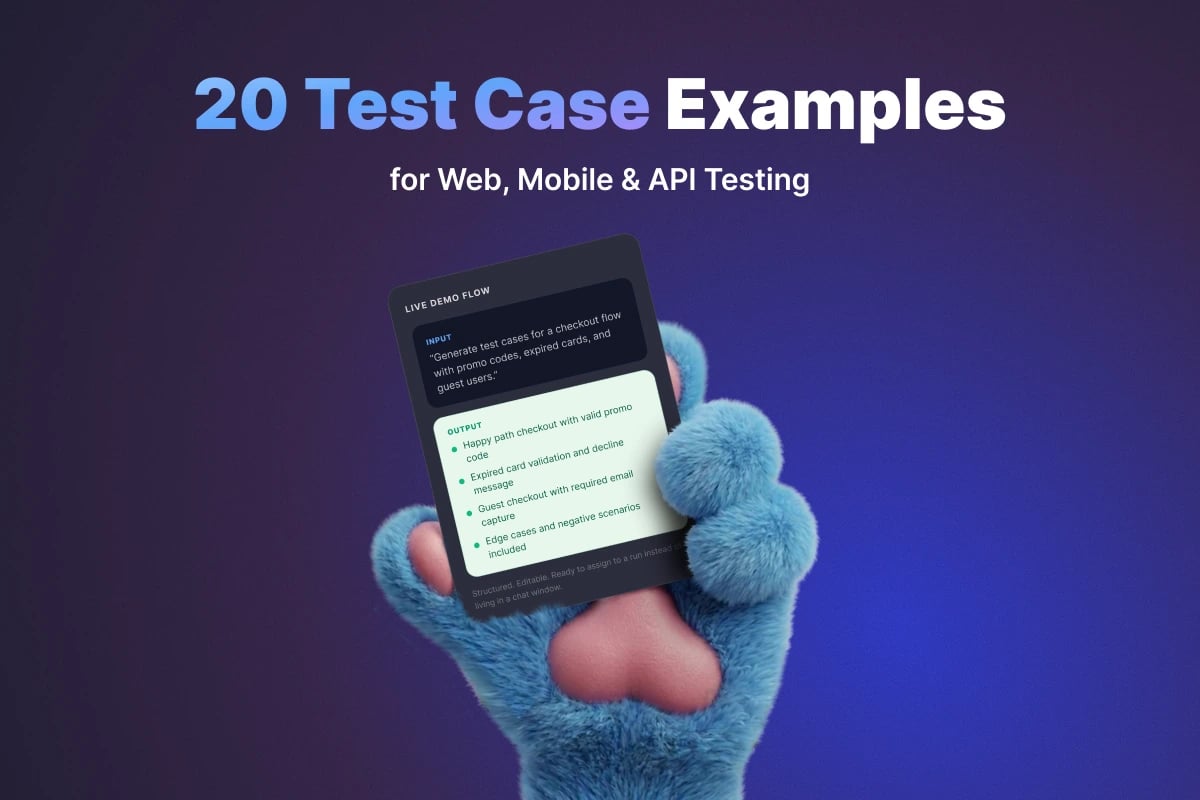
20 Test Case Examples for Web, Mobile & API Testing

6 Mobile App Test Case Examples
Mobile testing adds device state, gestures, permissions, interruptions, and network variability. These examples cover the most common risks.
9. First Launch Onboarding Flow
Preconditions: App is installed fresh on the device.
Steps:
- Launch the app for the first time.
- Swipe through onboarding screens.
- Tap the final CTA.
Expected Result: Onboarding screens display in the correct order and the user lands on the expected next screen.
10. Push Notification Permission Handling
Preconditions: App prompts for notification permission on first use.
Steps:
- Launch the app.
- When the OS permission prompt appears, tap Don't Allow.
- Continue using the app.
Expected Result: App remains usable, handles the denied permission gracefully, and shows appropriate in-app messaging if notifications are required for a feature.
11. Login Persistence After App Restart
Preconditions: User has successfully logged in.
Steps:
- Close the app completely.
- Reopen the app.
Expected Result: User remains logged in if the session is still valid and is returned to the correct screen.
12. App Behavior on Poor Network Connection
Preconditions: The device's network can be throttled or switched from good to poor connectivity.
Steps:
- Open a data-heavy screen.
- Reduce the network quality or switch to a weak mobile connection.
- Retry the same action.
Expected Result: App shows loading and retry states correctly, avoids freezing, and communicates connection problems clearly.
13. Screen Rotation During Form Entry
Preconditions: User is entering data into a multi-field form.
Steps:
- Fill several form fields.
- Rotate the device from portrait to landscape or vice versa.
Expected Result: Entered data is preserved and the layout remains usable after orientation change.
14. Deep Link Opens Correct Screen
Preconditions: Valid app deep link is available.
Steps:
- Open the deep link from an email, browser, or messaging app.
- If prompted, open it in the app.
Expected Result: App opens directly to the intended screen or resource, with authentication handled correctly if login is required.
6 API Test Case Examples
API testing is where many teams are either very disciplined or very vague. Good API test cases define request details, expected status codes, response structure, and side effects.
15. Successful GET Request Returns 200
Preconditions: Valid endpoint exists and authentication token is available if required.
Steps:
- Send a GET request to the target endpoint with valid headers.
Expected Result: API returns HTTP 200 and the response body matches the documented schema.
16. POST Request Creates Resource
Preconditions: Valid payload is prepared.
Steps:
- Send a POST request with all required fields.
- Capture the returned resource identifier.
- Retrieve the created resource with a follow-up GET request.
Expected Result: API returns HTTP 201 Created, stores the new resource correctly, and the resource is retrievable afterward.
17. Missing Required Field Returns Validation Error
Preconditions: Endpoint enforces required request fields.
Steps:
- Send a POST or PUT request with one mandatory field omitted.
Expected Result: API rejects the request with the correct status code and returns a meaningful validation message identifying the missing field.
18. Unauthorized Request Is Rejected
Preconditions: Endpoint requires authentication.
Steps:
- Send a request without an auth token or with an invalid token.
Expected Result: API returns HTTP 401 or 403 as designed, and no protected data is exposed.
19. Rate Limit Enforcement
Preconditions: Endpoint has documented rate limits.
Steps:
- Send repeated requests that exceed the configured threshold within the time window.
Expected Result: API returns HTTP 429 Too Many Requests and, ideally, returns retry information in headers or response body.
20. Idempotent Retry Does Not Create Duplicate Data
Preconditions: Endpoint supports idempotency key or documented retry-safe behavior.
Steps:
- Send a create request with a valid idempotency key.
- Retry the same request using the same key.
Expected Result: Only one resource is created and the repeated request does not produce duplicates.
Reusable Test Case Template
If you want your team to create examples consistently, use a standard template like this:
| Field | Template |
|---|---|
| Test Case ID | TC-WEB-001 |
| Title | Verify [user action] results in [expected outcome] |
| Module | Authentication / Checkout / Billing / API / Mobile |
| Preconditions | Required user state, data, permissions, environment |
| Steps | Numbered execution steps |
| Expected Result | Observable outcome after execution |
| Priority | Critical / High / Medium / Low |
| Tags | smoke, regression, api, mobile, negative |
Teams using a dedicated test management platform can turn this template into a reusable custom test case format, making it much faster to create high-quality cases at scale. If you want to speed up authoring even further, AI-generated test cases can produce the first draft from a user story or requirement in seconds.

Written by
QA Sphere TeamThe QA Sphere team shares insights on software testing, quality assurance best practices, and test management strategies drawn from years of industry experience.