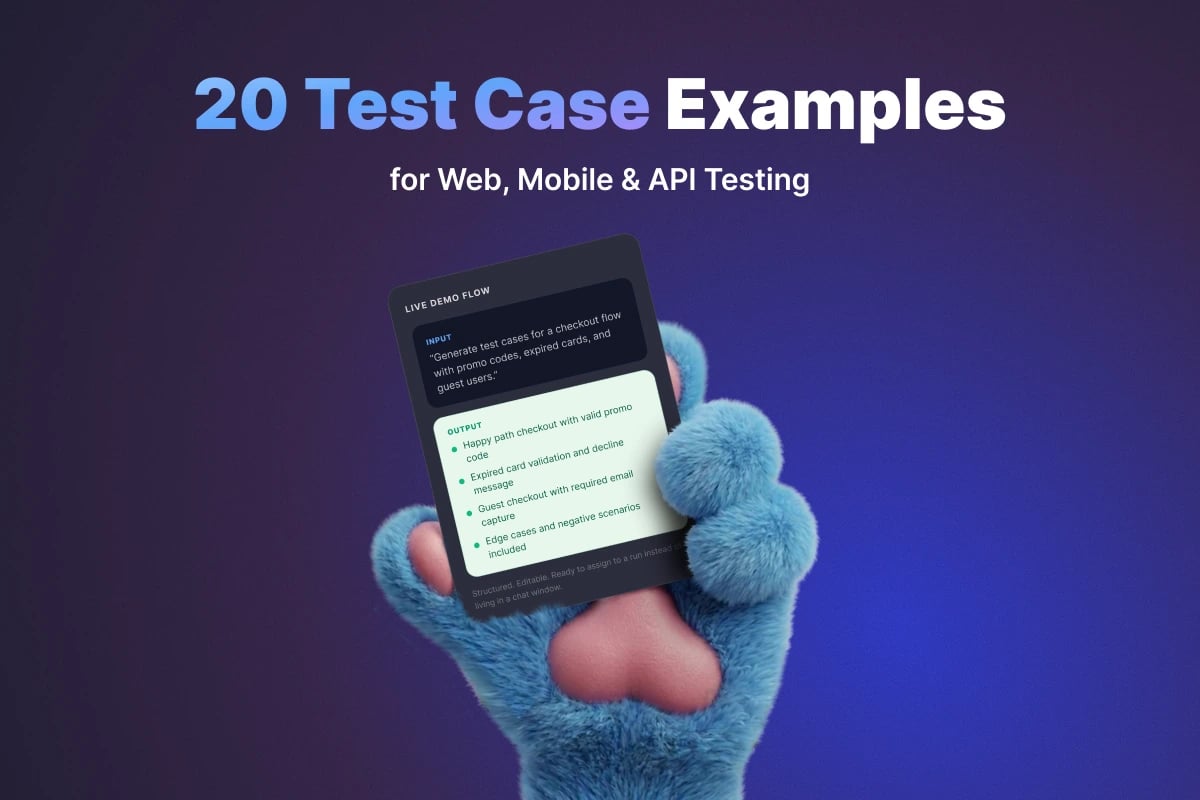
20 Test Case Examples for Web, Mobile & API Testing

Writing test cases from scratch is hard when you are staring at a blank page. Most QA teams do not struggle with the idea of testing; they struggle with turning that idea into clear, reusable, executable test cases that another tester can pick up and run without confusion.
That is why concrete test case examples are so useful. They show what "good" looks like: a clear title, realistic preconditions, actionable steps, and an expected result that leaves no room for interpretation.
In this guide, we will walk through 20 practical test case examples across web, mobile, and API testing. Use them as inspiration, adapt them to your product, and add them to your test case management process.
What a Good Test Case Looks Like
Before we jump into examples, it helps to align on structure. A useful test case is specific enough to be repeatable, but short enough to stay maintainable when the product changes.
| Field | What to Include | Example |
|---|---|---|
| Title | What scenario is being tested | Verify user can log in with valid credentials |
| Preconditions | Required setup before execution | Registered active user account exists |
| Steps | Clear sequence of user or system actions | Open login page, enter email, enter password, click Sign In |
| Expected Result | Observable outcome | User lands on dashboard |
| Priority | How critical the scenario is | Critical |
| Tags | Useful labels for filtering | smoke, auth, regression |
Rule of thumb: If the expected result could be interpreted in two different ways, rewrite it. Ambiguous expected results create flaky manual testing just as surely as brittle selectors create flaky automation.
5 Quick Rules Before You Copy These Examples
- Write for your product, not a textbook. Replace generic names with real screens, endpoints, fields, and business rules.
- Separate one assertion from another. A single test case should validate one main behavior, not an entire workflow universe.
- Always include negative scenarios. Happy paths are not enough.
- Keep test data explicit. If the scenario depends on a specific user role, locale, plan, or payload, say so.
- Store examples in a real tool. Spreadsheets are fine at the beginning, but structured platforms like QA Sphere make reuse, execution, and reporting much easier as the library grows.
8 Web Application Test Case Examples
Web applications combine UI flows, business logic, browser behavior, and session state. These are the kinds of examples most teams need first.
1. Login with Valid Credentials
Preconditions: Active user account exists.
Steps:
- Open the login page.
- Enter a valid email address.
- Enter the correct password.
- Click Sign In.
Expected Result: User is authenticated and redirected to the dashboard.
2. Login with Invalid Password
Preconditions: Active user account exists.
Steps:
- Open the login page.
- Enter a valid email address.
- Enter an incorrect password.
- Click Sign In.
Expected Result: Login is blocked and a clear error message is displayed without revealing whether the email exists.
3. Required Field Validation on Sign-Up Form
Preconditions: User is on the sign-up page.
Steps:
- Leave all required fields empty.
- Click Create Account.
Expected Result: Required field validation messages appear for each mandatory field, and the form is not submitted.
4. Password Reset Flow
Preconditions: User account exists and mailbox is accessible.
Steps:
- Open the login page.
- Click Forgot Password.
- Enter the registered email address.
- Submit the request.
- Open the reset email and follow the link.
- Set a new valid password.
Expected Result: Password reset completes successfully and the user can sign in with the new password.
5. Add Product to Cart
Preconditions: User is on an in-stock product page.
Steps:
- Select a product variant if applicable.
- Click Add to Cart.
- Open the cart page or mini-cart.
Expected Result: Selected product appears in the cart with the correct quantity, variant, and price.
6. Checkout with Promo Code
Preconditions: Cart contains eligible item and valid promo code exists.
Steps:
- Open the checkout page.
- Enter the valid promo code.
- Apply the code.
Expected Result: Discount is applied correctly and the order total is recalculated in real time.
7. Session Timeout After Inactivity
Preconditions: User is logged in.
Steps:
- Stop interacting with the application for the configured inactivity window.
- Attempt to navigate or refresh the page.
Expected Result: Session expires securely and the user is redirected to login with an informative timeout message.
8. File Upload with Unsupported Format
Preconditions: User is on a screen that allows file upload.
Steps:
- Choose a file with an unsupported extension.
- Submit the upload.
Expected Result: Upload is rejected and the UI explains which formats are allowed.
6 Mobile App Test Case Examples
Mobile testing adds device state, gestures, permissions, interruptions, and network variability. These examples cover the most common risks.
9. First Launch Onboarding Flow
Preconditions: App is installed fresh on the device.
Steps:
- Launch the app for the first time.
- Swipe through onboarding screens.
- Tap the final CTA.
Expected Result: Onboarding screens display in the correct order and the user lands on the expected next screen.
10. Push Notification Permission Handling
Preconditions: App prompts for notification permission on first use.
Steps:
- Launch the app.
- When the OS permission prompt appears, tap Don't Allow.
- Continue using the app.
Expected Result: App remains usable, handles the denied permission gracefully, and shows appropriate in-app messaging if notifications are required for a feature.
11. Login Persistence After App Restart
Preconditions: User has successfully logged in.
Steps:
- Close the app completely.
- Reopen the app.
Expected Result: User remains logged in if the session is still valid and is returned to the correct screen.
12. App Behavior on Poor Network Connection
Preconditions: The device's network can be throttled or switched from good to poor connectivity.
Steps:
- Open a data-heavy screen.
- Reduce the network quality or switch to a weak mobile connection.
- Retry the same action.
Expected Result: App shows loading and retry states correctly, avoids freezing, and communicates connection problems clearly.
13. Screen Rotation During Form Entry
Preconditions: User is entering data into a multi-field form.
Steps:
- Fill several form fields.
- Rotate the device from portrait to landscape or vice versa.
Expected Result: Entered data is preserved and the layout remains usable after orientation change.
14. Deep Link Opens Correct Screen
Preconditions: Valid app deep link is available.
Steps:
- Open the deep link from an email, browser, or messaging app.
- If prompted, open it in the app.
Expected Result: App opens directly to the intended screen or resource, with authentication handled correctly if login is required.
6 API Test Case Examples
API testing is where many teams are either very disciplined or very vague. Good API test cases define request details, expected status codes, response structure, and side effects.
15. Successful GET Request Returns 200
Preconditions: Valid endpoint exists and authentication token is available if required.
Steps:
- Send a GET request to the target endpoint with valid headers.
Expected Result: API returns HTTP 200 and the response body matches the documented schema.
16. POST Request Creates Resource
Preconditions: Valid payload is prepared.
Steps:
- Send a POST request with all required fields.
- Capture the returned resource identifier.
- Retrieve the created resource with a follow-up GET request.
Expected Result: API returns HTTP 201 Created, stores the new resource correctly, and the resource is retrievable afterward.
17. Missing Required Field Returns Validation Error
Preconditions: Endpoint enforces required request fields.
Steps:
- Send a POST or PUT request with one mandatory field omitted.
Expected Result: API rejects the request with the correct status code and returns a meaningful validation message identifying the missing field.
18. Unauthorized Request Is Rejected
Preconditions: Endpoint requires authentication.
Steps:
- Send a request without an auth token or with an invalid token.
Expected Result: API returns HTTP 401 or 403 as designed, and no protected data is exposed.
19. Rate Limit Enforcement
Preconditions: Endpoint has documented rate limits.
Steps:
- Send repeated requests that exceed the configured threshold within the time window.
Expected Result: API returns HTTP 429 Too Many Requests and, ideally, returns retry information in headers or response body.
20. Idempotent Retry Does Not Create Duplicate Data
Preconditions: Endpoint supports idempotency key or documented retry-safe behavior.
Steps:
- Send a create request with a valid idempotency key.
- Retry the same request using the same key.
Expected Result: Only one resource is created and the repeated request does not produce duplicates.
Reusable Test Case Template
If you want your team to create examples consistently, use a standard template like this:
| Field | Template |
|---|---|
| Test Case ID | TC-WEB-001 |
| Title | Verify [user action] results in [expected outcome] |
| Module | Authentication / Checkout / Billing / API / Mobile |
| Preconditions | Required user state, data, permissions, environment |
| Steps | Numbered execution steps |
| Expected Result | Observable outcome after execution |
| Priority | Critical / High / Medium / Low |
| Tags | smoke, regression, api, mobile, negative |
Teams using a dedicated test management platform can turn this template into a reusable custom test case format, making it much faster to create high-quality cases at scale. If you want to speed up authoring even further, AI-generated test cases can produce the first draft from a user story or requirement in seconds.
Common Mistakes When Writing Test Cases
- Too much detail in one case. If a case validates login, checkout, email delivery, and reporting all at once, it is too broad.
- Missing preconditions. Testers should not have to guess account state, permissions, or environment setup.
- Weak expected results. "Should work" is not a valid expected result.
- No negative coverage. Teams often over-document happy paths and under-document error handling.
- No maintenance workflow. Examples become stale quickly if nobody owns them.
If your current library feels messy, the fix is not to stop writing cases. The fix is to introduce structure, review, and tooling. Our test management tools comparison can help if you are deciding what to use beyond spreadsheets.
How to Organize These Examples in a Real QA Workflow
The best way to use example test cases is not to keep them in a document forever. Move them into your working QA system and organize them by product area, platform, and release value.
- Group by module: Authentication, Checkout, User Settings, Notifications, Reporting, API.
- Tag by platform: web, mobile, api.
- Tag by execution type: smoke, regression, sanity, negative.
- Assign priorities: run critical flows first for every release.
- Review after feature changes: every product update should trigger test case review.
This is where a platform like QA Sphere helps. Instead of rewriting similar cases over and over, you can create folders, reuse templates, launch test runs, and track results across the whole team.
Conclusion
Strong test case examples do two things: they save time for the person writing them, and they reduce ambiguity for the person executing them. That is true whether you are testing a web checkout flow, a mobile permission prompt, or an API rate limit.
If you are building a new QA library, start with these 20 examples and adapt them to your product. Then standardize the format, add priorities and tags, and keep everything in a system your team can actually maintain.
Want to create structured test cases faster? Try QA Sphere's AI test case generation to turn requirements into reusable test cases in seconds.

Written by
QA Sphere TeamThe QA Sphere team shares insights on software testing, quality assurance best practices, and test management strategies drawn from years of industry experience.