QA Sphere CLI: Automate Test Results Upload to Your QA Dashboard

Your team runs hundreds of automated tests on every commit. The CI pipeline executes them reliably. Test frameworks work as designed.
Then someone downloads the report. Someone else logs into QA Sphere. Someone manually updates run statuses. Someone copies failure notes into comments.
That manual handoff is the real problem.
QA Sphere CLI closes it. One command replaces all of that work - and integrates cleanly into any CI/CD pipeline in under 5 minutes.
What It Does
Instead of opening a browser and uploading results by hand, run this:
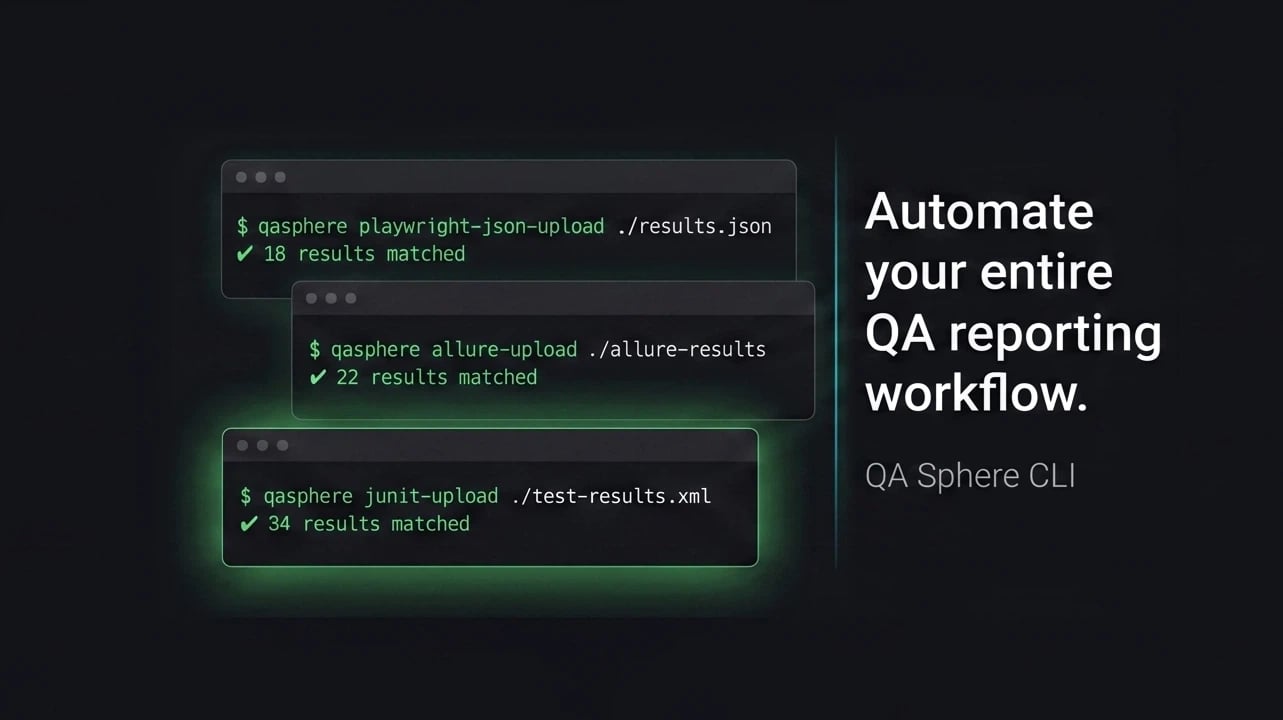
qasphere junit-upload ./test-results.xml
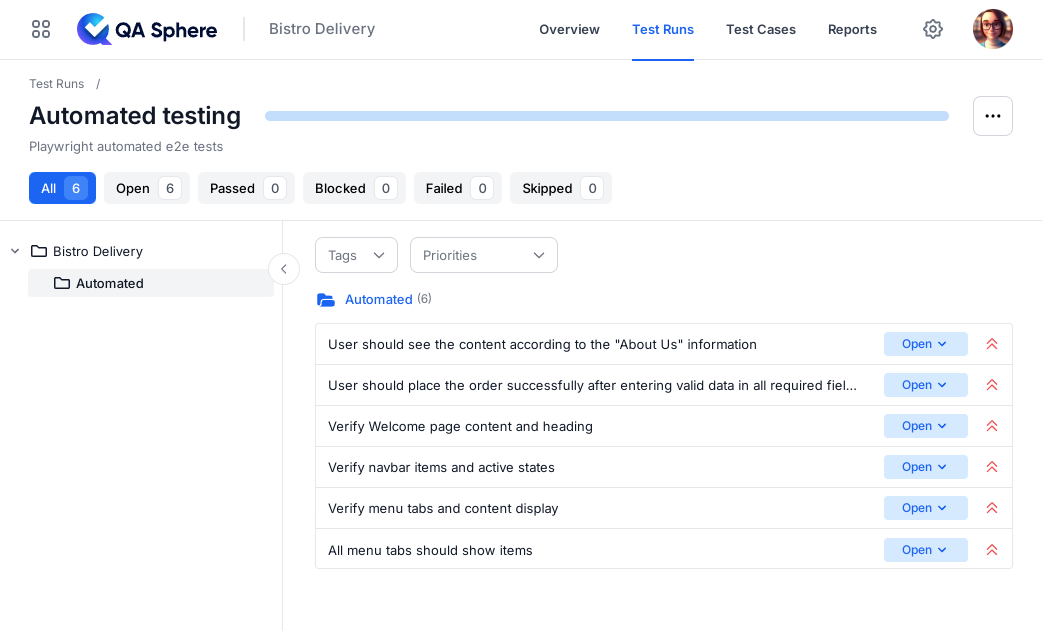
The CLI reads your test results (JUnit XML, Playwright JSON, or Allure), matches each result to the correct test case in QA Sphere, auto-creates any missing test cases, and posts all results to your run.
Done. No configuration. No manual matching. No errors.
Manual Upload vs CLI: The Real Cost
The difference isn't just convenience - it's measurable engineering time and a meaningful drop in reporting errors.
| Step | Manual workflow | QA Sphere CLI |
|---|---|---|
| Download report from CI | 2-3 minutes per build | 0 (in-pipeline) |
| Match results to test cases | 5-15 minutes, error-prone | Automatic, by marker |
| Update run status | 1-5 minutes per run | 0 (one command) |
| Attach failure screenshots/logs | Often skipped | Automatic |
| Total per CI run | ~10-25 minutes of QA/dev time | Seconds, hands-free |
Multiply that by the number of CI runs per day, and the cost of not automating becomes obvious.
For QA Engineers and Testers
You stop doing data entry. Results appear in QA Sphere as soon as tests finish. If a test doesn't have a QA Sphere case linked, the CLI creates one automatically and generates a mapping file. Update your test code for next time. No more "test case not found" errors.
If you're new to QA Sphere CLI as a tester, the step-by-step CLI integration guide walks through linking your first test suite to a QA Sphere run.
For DevOps and CI/CD Engineers
The CLI outputs clean data that works with your existing tools. Pipe commands into jq, chain them in shell scripts, integrate them into pipeline steps. Full API access means you can open runs, post results, and close them - all automated.
GitHub Actions Integration
Drop this into .github/workflows/test.yml to run tests and ship results to QA Sphere on every push:
name: Tests & QA Sphere upload

on: [push, pull_request]

jobs:
  test:
    runs-on: ubuntu-latest
    steps:
      - uses: actions/checkout@v4

      - uses: actions/setup-node@v4
        with:
          node-version: '22'

      - name: Install dependencies
        run: npm ci

      - name: Run tests
        run: npm test -- --reporter=junit --reporter-options output=test-results.xml

      - name: Install QA Sphere CLI
        run: npm install -g qas-cli

      - name: Upload results to QA Sphere
        if: always()
        env:
          QAS_TOKEN: ${{ secrets.QAS_TOKEN }}
          QAS_URL: ${{ secrets.QAS_URL }}
        run: qasphere junit-upload ./test-results.xml
The if: always() step makes sure results upload even when tests fail - which is when you most need them in the dashboard.
GitLab CI Integration
For GitLab pipelines, the equivalent .gitlab-ci.yml job:
test:
  image: node:22
  script:
    - npm ci
    - npm test -- --reporter=junit --reporter-options output=test-results.xml
    - npm install -g qas-cli
    - qasphere junit-upload ./test-results.xml
  variables:
    QAS_TOKEN: $QAS_TOKEN
    QAS_URL: $QAS_URL
  artifacts:
    when: always
    reports:
      junit: test-results.xml
Jenkins and CircleCI
Both work the same way - the CLI is just an npm install -g qas-cli followed by a qasphere junit-upload step. In Jenkins, drop it into a sh step in your Jenkinsfile. In CircleCI, add it as a run step in your config.yml. Set QAS_TOKEN and QAS_URL as credentials/environment variables and you're done.
For a deeper walkthrough across providers, see the CI/CD integration docs.
For Engineering Managers
Your team can ask an AI coding agent (Claude Code, Cursor) to generate reports: "Show me pass rates by folder," "Which tests failed most often this week?" The agent uses the CLI to fetch data and renders it however you need - charts, tables, CSV files.
Because the CLI exposes the full QA Sphere API, agents can also open new test runs, attach artifacts, and close runs - the same things your team does manually today, but driven from natural-language prompts.
Getting Started
Requirements: Node.js 22 or higher.
npm install -g qas-cli
qasphere auth login
qasphere junit-upload ./test-results.xml
Authentication takes 30 seconds and stays active for 90 days with regular use. For CI environments, set two environment variables (QAS_TOKEN and QAS_URL).
A free QA Sphere account includes a demo project to test before connecting to production - start your free trial to try it on your own pipelines.
What Gets Automated
- Test result uploads (JUnit XML, Playwright JSON, Allure)
- Automatic test case linking by marker
- Auto-creation of missing test cases
- Run management (create, close, update)
- Attachment uploads (screenshots, videos, logs)
- AI agent integration via full API access
Troubleshooting
A handful of issues come up often enough during initial setup that they're worth calling out.
Error: QAS_TOKEN environment variable not set - The CLI looks for QAS_TOKEN and QAS_URL in the environment. In CI, set them as repository secrets and expose them to the upload step (see the GitHub Actions example above). Locally, run qasphere auth login to store the token in your config.
Test case not found for marker: <marker> - The marker on a test doesn't match any case in QA Sphere. The CLI will auto-create the missing case and write the new marker to a mapping file. Commit that mapping back into your test code so the next run links cleanly.
Upload succeeded but results don't appear in the run - You may have posted to a closed run. Check the run status in QA Sphere; the CLI will refuse to post to closed runs by design. Open a new run, or reopen the existing one, then re-upload.
Node.js version too old - QAS-CLI requires Node 22 or higher. On older CI images, add a setup-node@v4 step (GitHub Actions) or use a node:22 Docker image (GitLab/CircleCI/Jenkins).
For anything not covered here, the full CLI documentation has an extended reference.
FAQ
Which test result formats does QA Sphere CLI support?
JUnit XML, Playwright JSON, and Allure. Most modern frameworks (Jest, Vitest, Cypress, Playwright, Mocha, PyTest, JUnit, NUnit, RSpec) can produce JUnit XML out of the box or via a reporter package.
Do I need to create all my test cases in QA Sphere before uploading?
No. If a test result doesn't have a matching test case in QA Sphere, the CLI creates one automatically and generates a mapping file so future runs link to it. You can also pre-create cases manually if you prefer a stricter workflow.
How long does authentication last in CI?
In CI environments, you pass QAS_TOKEN directly - the token doesn't expire from inactivity the way a local interactive login does. For local development, the auth token from qasphere auth login stays active for 90 days with regular use.
Can I integrate the CLI with my existing CI/CD pipeline without rewriting it?
Yes. The CLI is a single npm install -g qas-cli plus one qasphere junit-upload step. It runs alongside your existing test commands without changing them. You don't need to change test framework, test code, or CI config beyond adding the upload step.
Does the CLI work with Playwright's native reporter?
Yes - point qasphere junit-upload at Playwright's JUnit XML output, or use qasphere playwright-upload for the Playwright JSON reporter directly. Screenshots, videos, and traces attached to failing tests upload automatically.
What happens if the CLI fails mid-upload?
Uploads are atomic per test result. If the CLI errors partway through, you can re-run the same command - results already posted are skipped, and remaining ones are uploaded. No duplicates, no half-posted runs.
Is QA Sphere CLI free to use?
Yes. The CLI is open source (github.com/Hypersequent/qas-cli) and works against any QA Sphere account, including the free tier.
The Result
Your team stops doing manual test result management. Results flow from CI to QA Sphere automatically. You get real dashboards and reports without custom code.
Try it on your next pipeline run. Start your free trial, install qas-cli, and replace the manual handoff with one command.
Resources:

Written by
QA Sphere TeamThe QA Sphere team shares insights on software testing, quality assurance best practices, and test management strategies drawn from years of industry experience.