Test Automation Integration with QA Sphere CLI Tool

Conclusion
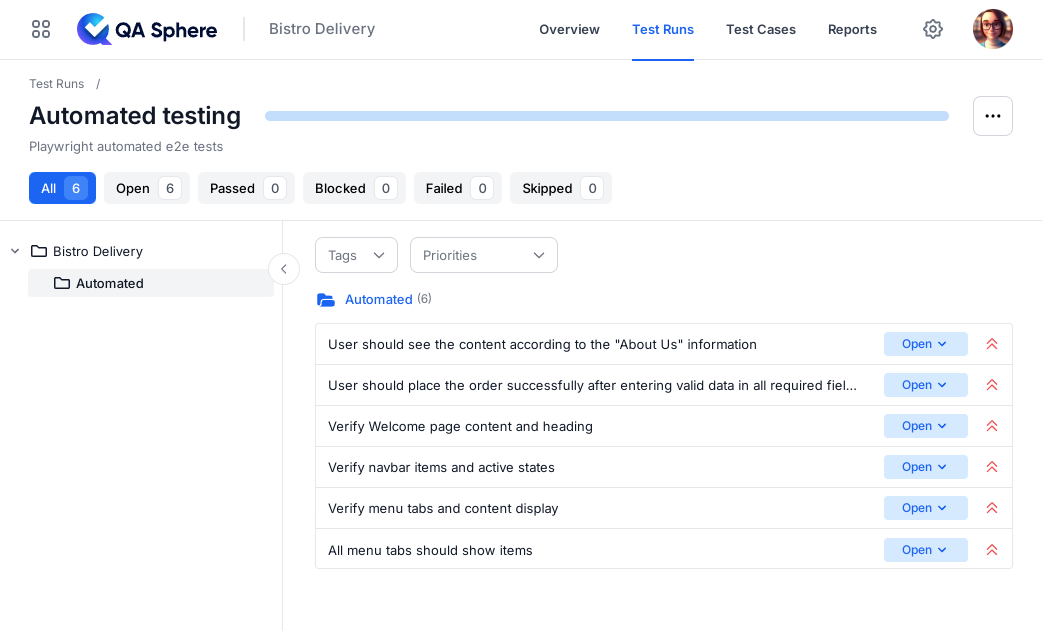
By following this guide, you've learned how to:
- Set up a test project in QA Sphere
- Run automated tests that generate JUnit XML reports
- Use QAS-CLI to upload test results
- Integrate automated tests result reporting into your workflow
This integration helps maintain a single source of truth for test cases and their execution results, making it easier to track test coverage and quality metrics over time.
Additional Resources

Written by
QA Sphere TeamThe QA Sphere team shares insights on software testing, quality assurance best practices, and test management strategies drawn from years of industry experience.