

September '26: 26W36 Osnova
Release Notes for QA Sphere 26W36 Osnova update
Osnova is the first QA Sphere release to carry a name. It rebuilds the foundations you work in every day: a redesigned left navigation, a native MCP server with OAuth 2.1, and an AI assistant that now understands your test runs, plans, and milestones.
New Features
-
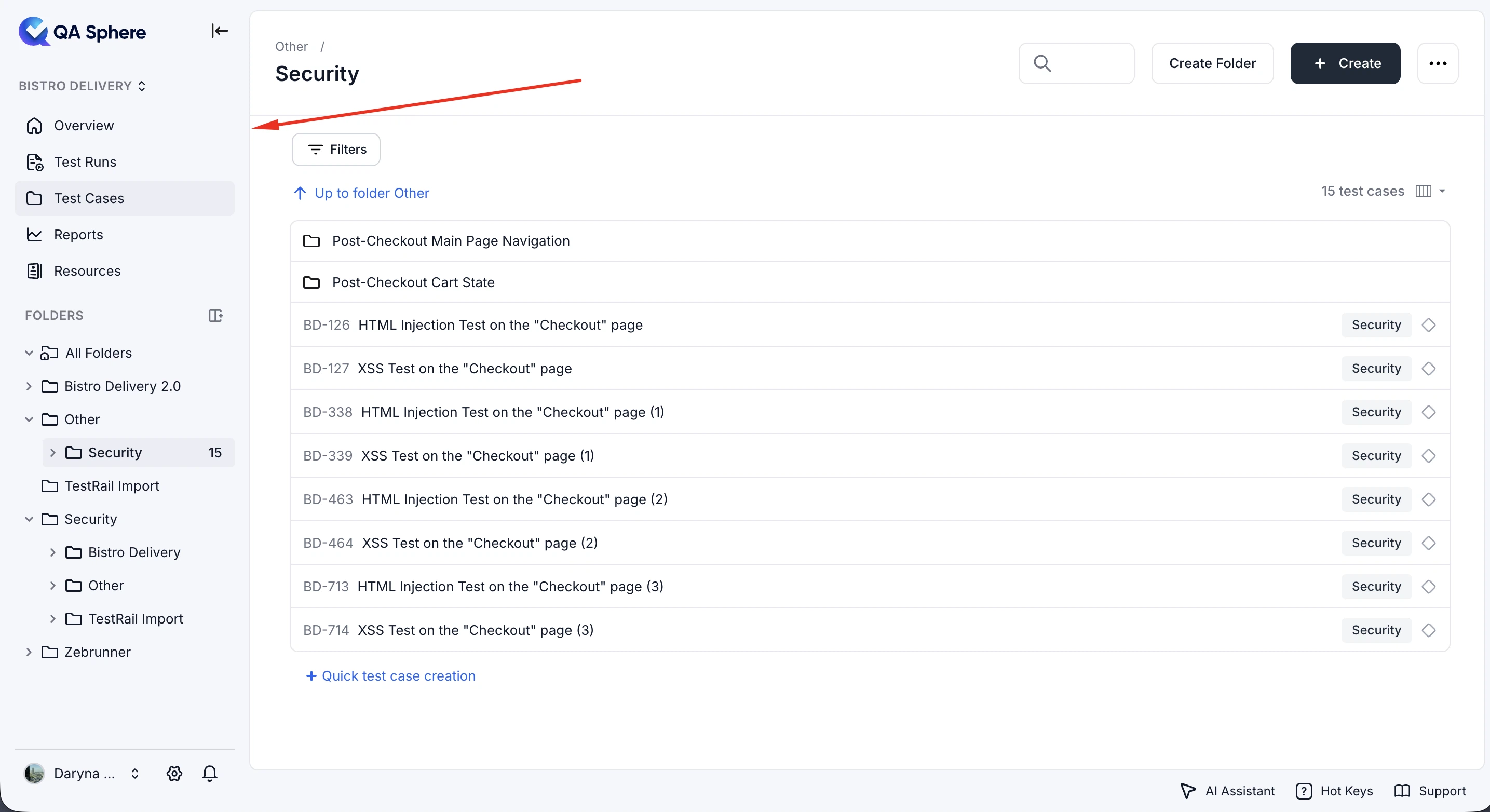
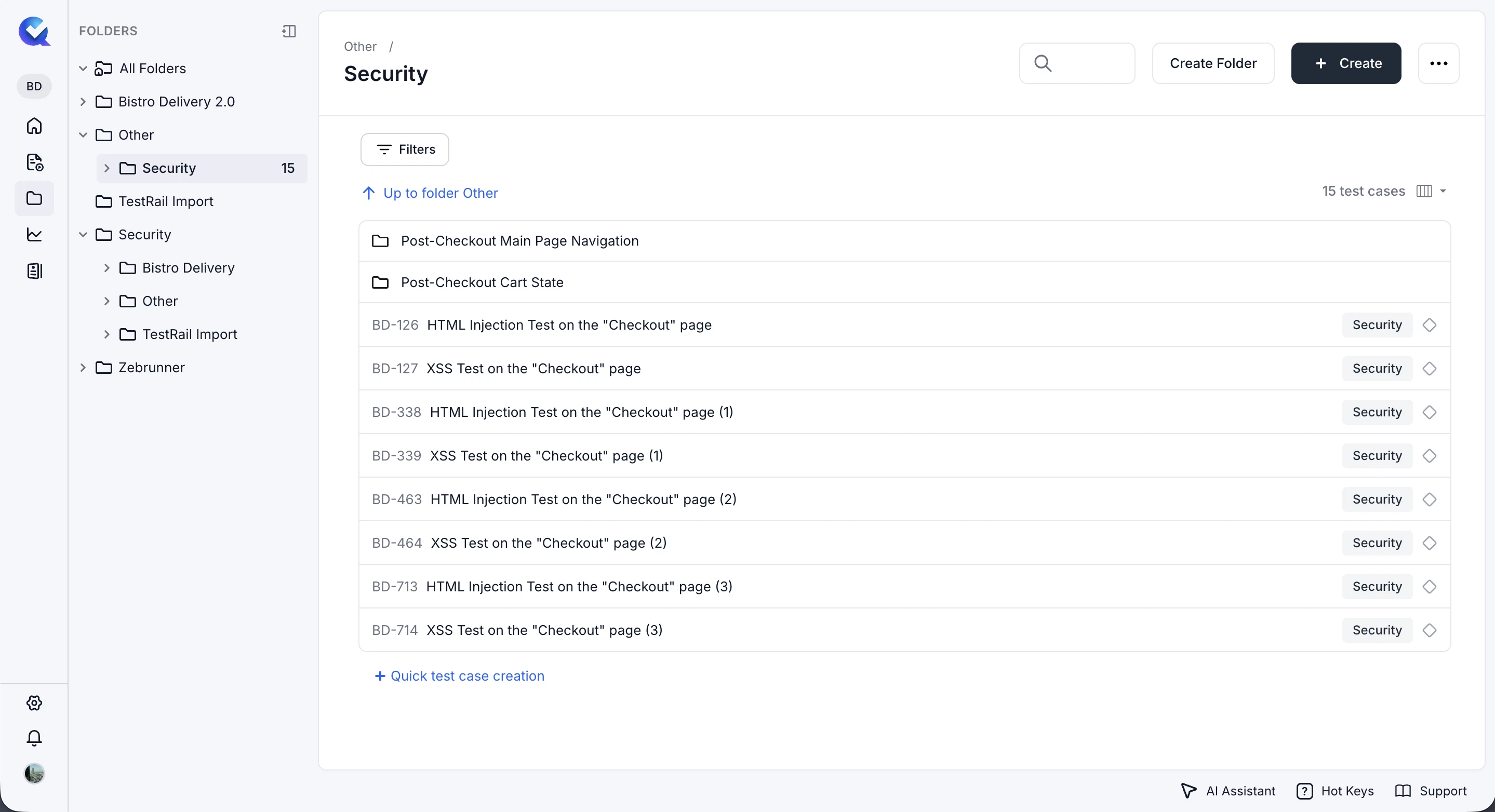
Redesigned Left Navigation
The left navigation has been redesigned with an updated layout, tree menu, improved transitions, and more consistent spacing for a smoother navigation experience.
-
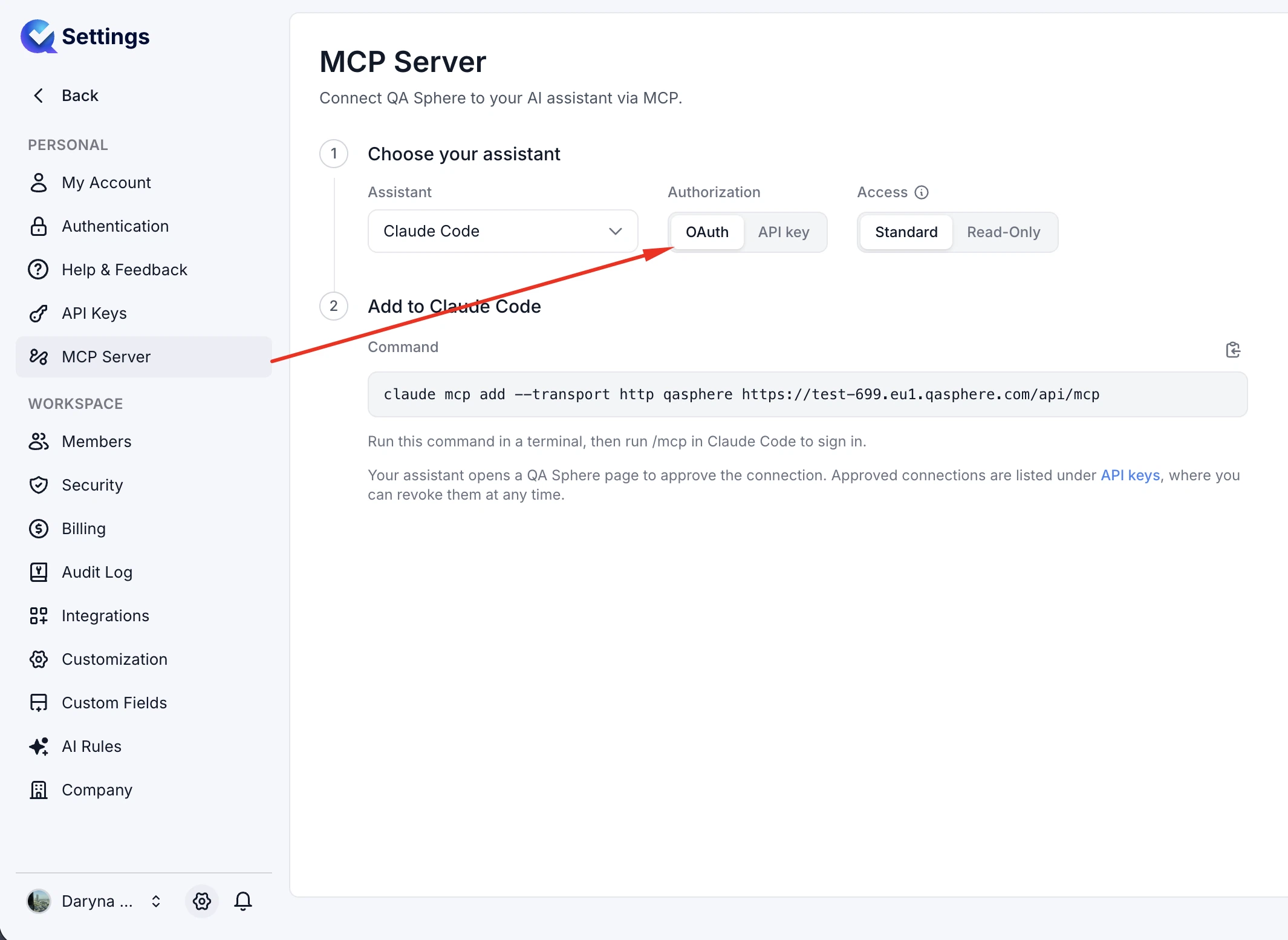
Native MCP Server
QA Sphere now supports remote MCP access with OAuth 2.1 authentication, while continuing to support API key authentication and read-only access.
-
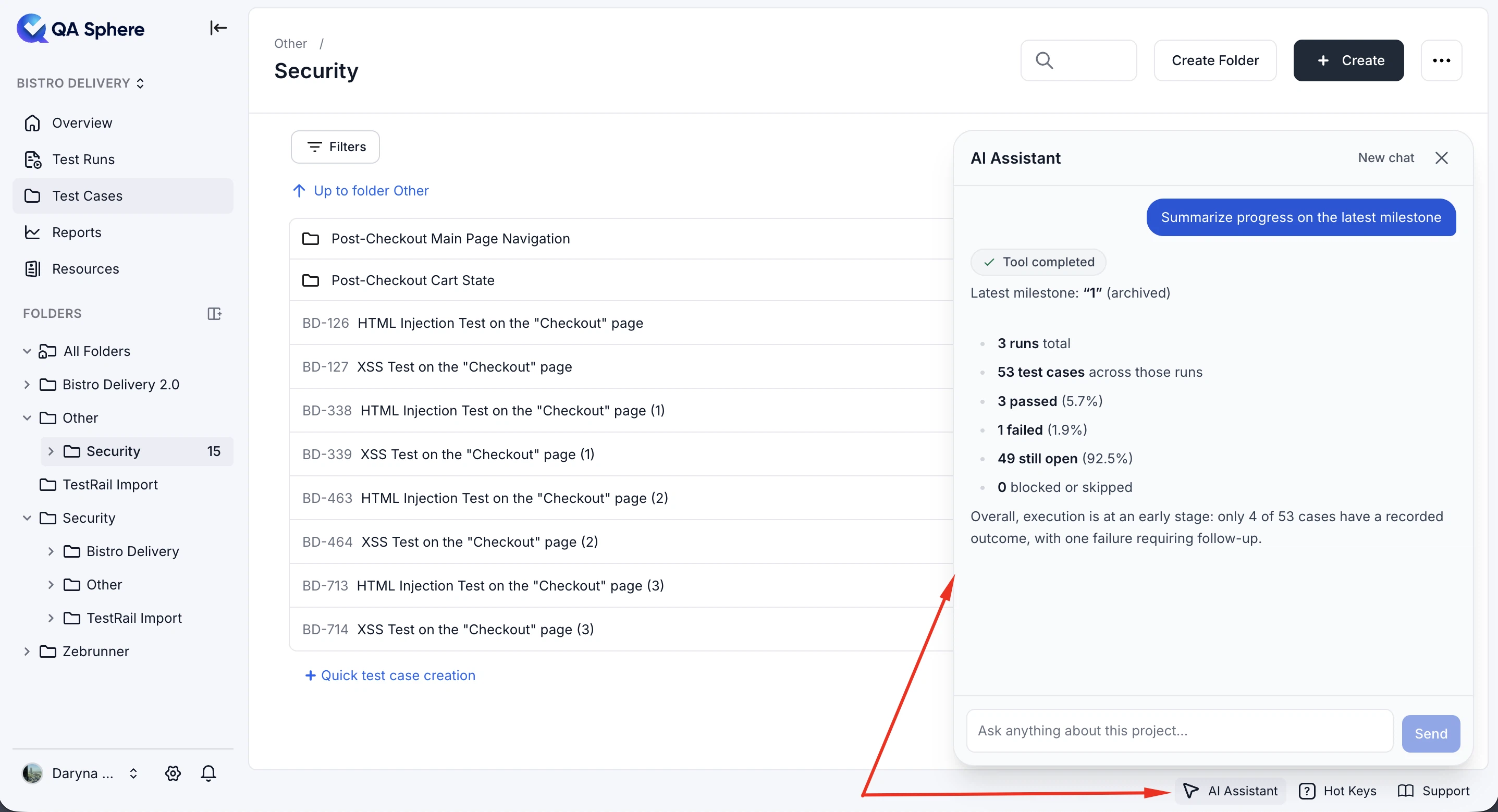
AI Assistant
The AI assistant can now answer questions about test runs, test plans, milestones, and run results, provide direct navigation to relevant pages, and consult the official QA Sphere documentation for product-related questions.
-
AI-Powered CSV Import
You can now upload CSV files in any format and let AI automatically build the import mapping, including support for custom fields and their types.
-
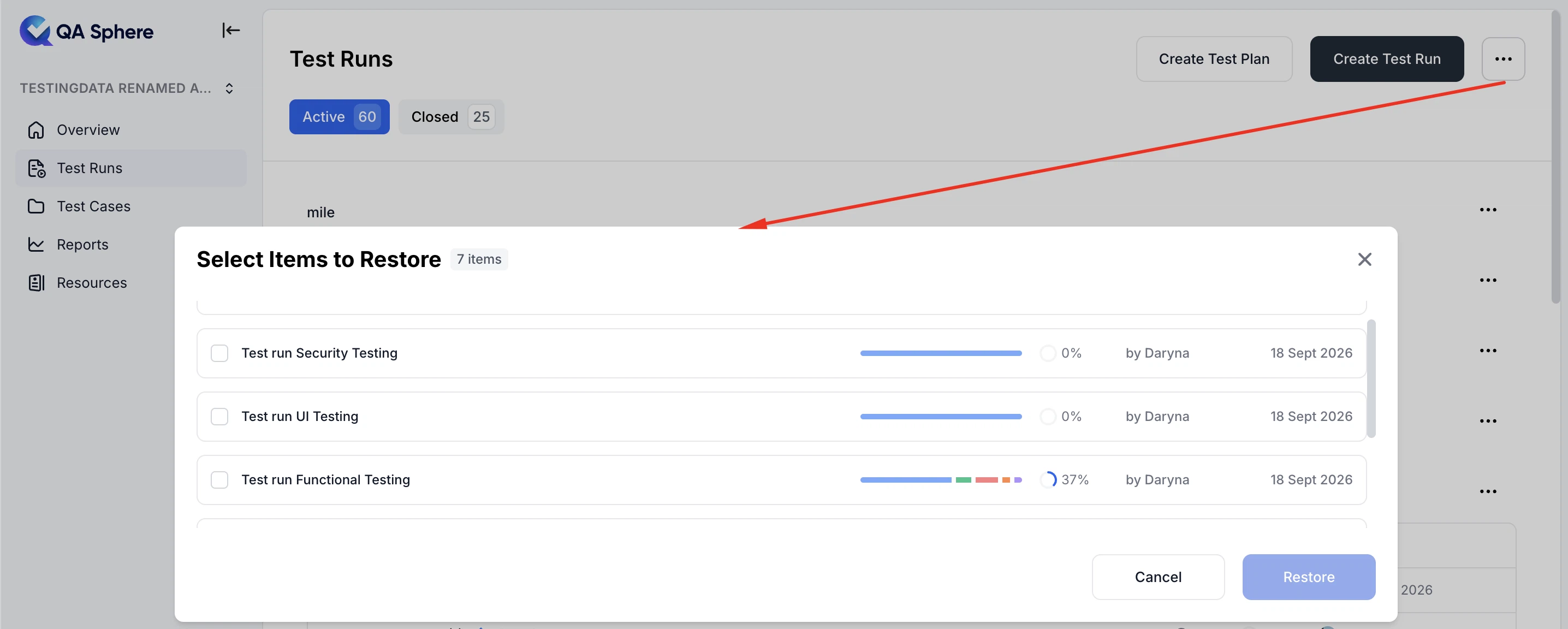
Restore Deleted Test Runs
You can now restore deleted test runs directly from the Test Runs page, including their results, time tracking, and other associated data.
-
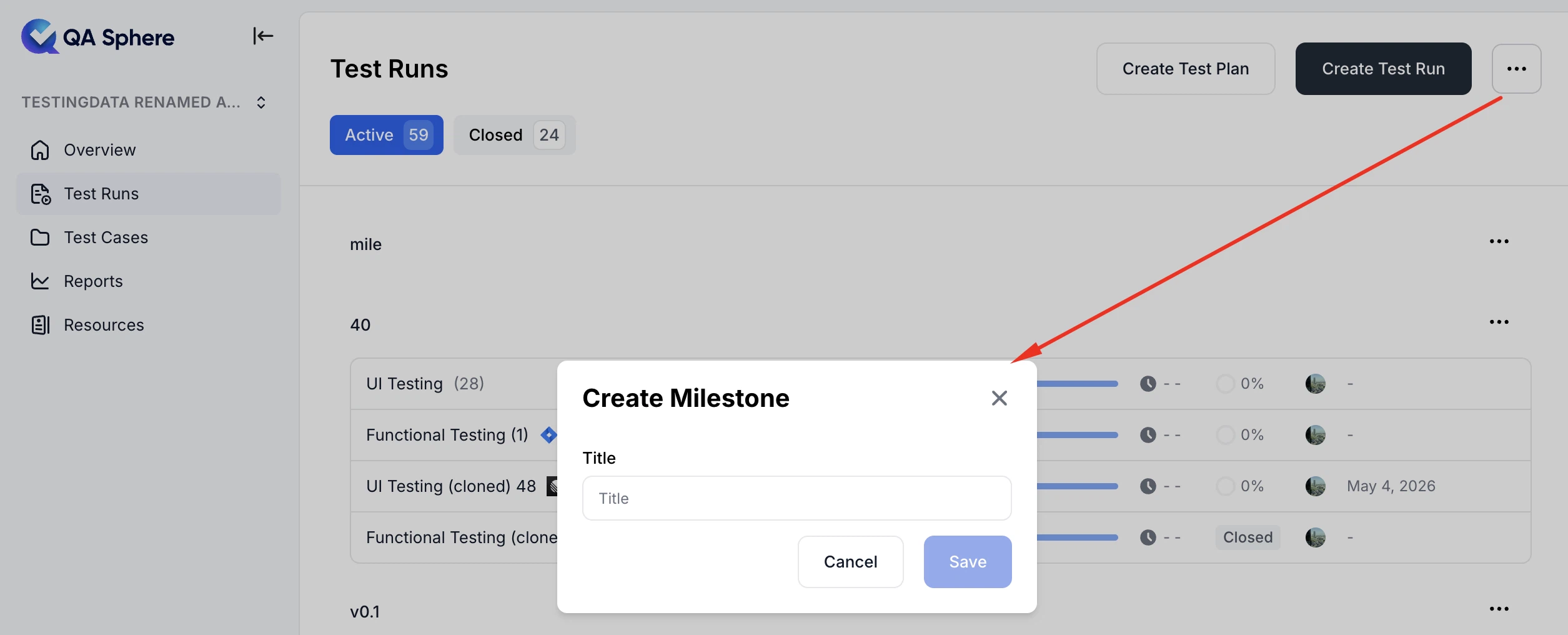
Create Milestones from Test Runs
You can now create a milestone directly from the Test Runs page.
-
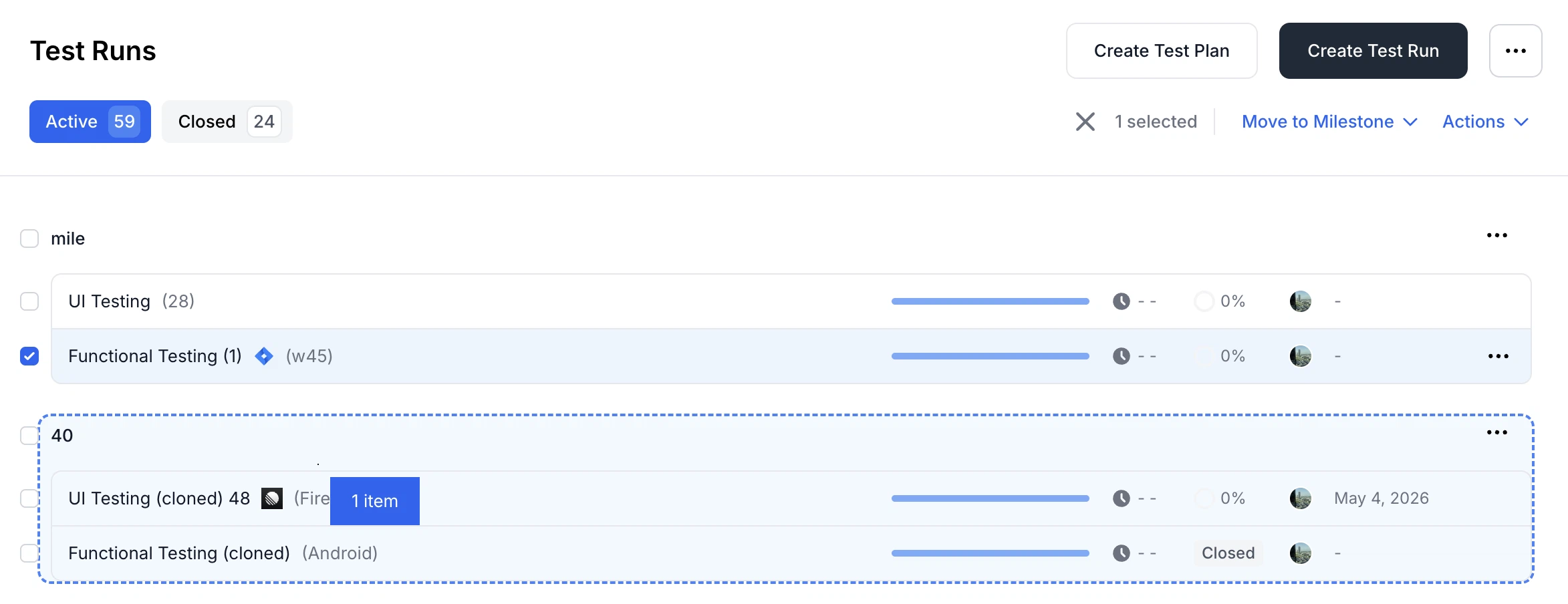
Move Test Runs Between Milestones
You can now drag and drop test runs between milestones directly on the Test Runs page.
-
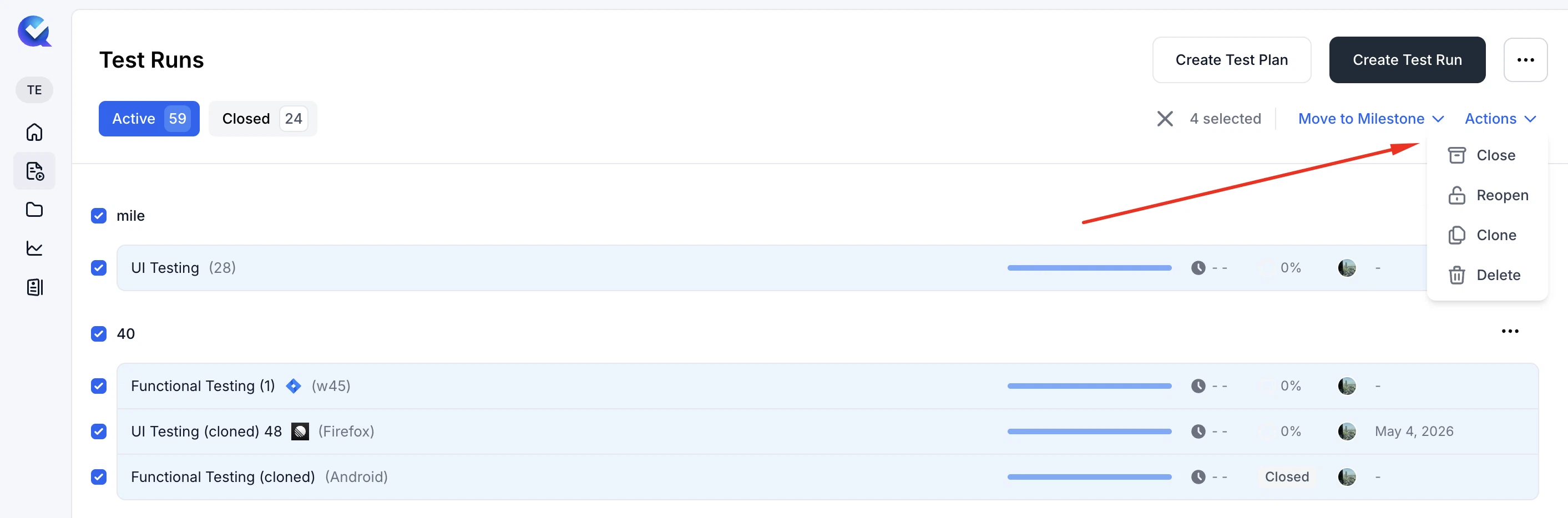
Bulk Test Run Actions
You can now select multiple test runs and close, reopen, delete, or move them to another milestone in bulk.
-
Search Across Resources
You can now search across different resource types, including requirements, shared steps and preconditions, tags, configurations, and AI rules.
-
Search in Workspace Members
You can now search for workspace members by name or email, making it easier to find specific members.
Fixes
This release also includes dozens of targeted improvements across the app.
- Fixed incorrect borders in the Test Cases list
- Fixed original file names when downloading test case attachments
- Fixed template case variable name validation
- Fixed checkbox custom field import without a default value
We're building QA Sphere to stay fast, reliable, and modern—without the bloat. Have questions or feedback? Drop us a note at sorted@qasphere.com.